
What is OCR? Optical Character Recognition Explained
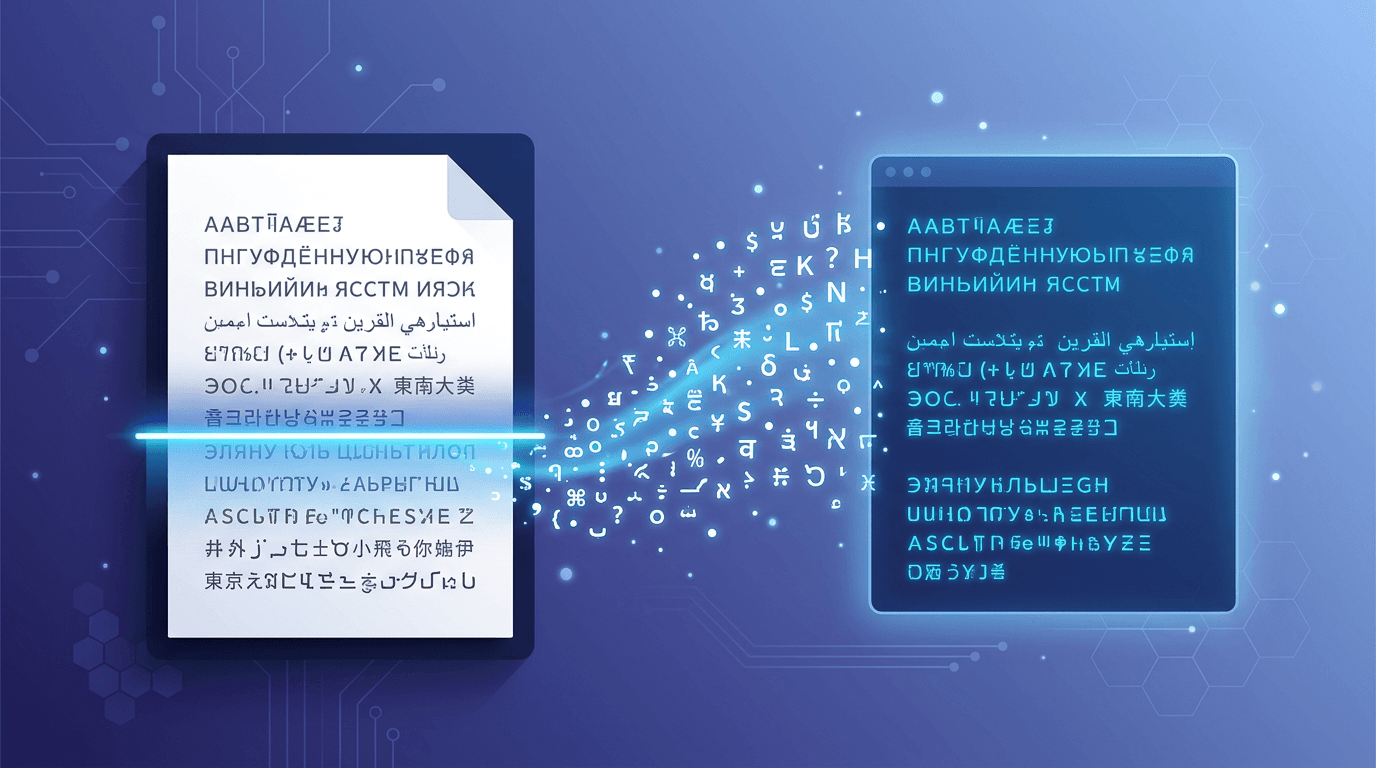
OCR, or Optical Character Recognition, is a technology that converts images containing text into machine-readable digital text. This comprehensive guide explains how OCR works and why it's become essential in our digital world.
The sections below explain OCR technology in general. Features such as layout reconstruction, translation, automatic language detection and handwriting models vary by product. This site’s Image to Text tool extracts plain text from one image using one manually selected language; it does not provide those broader features.
What is OCR?
OCR (Optical Character Recognition) is a technology that:
- Recognizes text within images, scanned documents, and photos
- Converts visual text to digital, editable format
- Enables searching through previously unsearchable images
- Automates data entry from physical documents
How OCR Technology Works
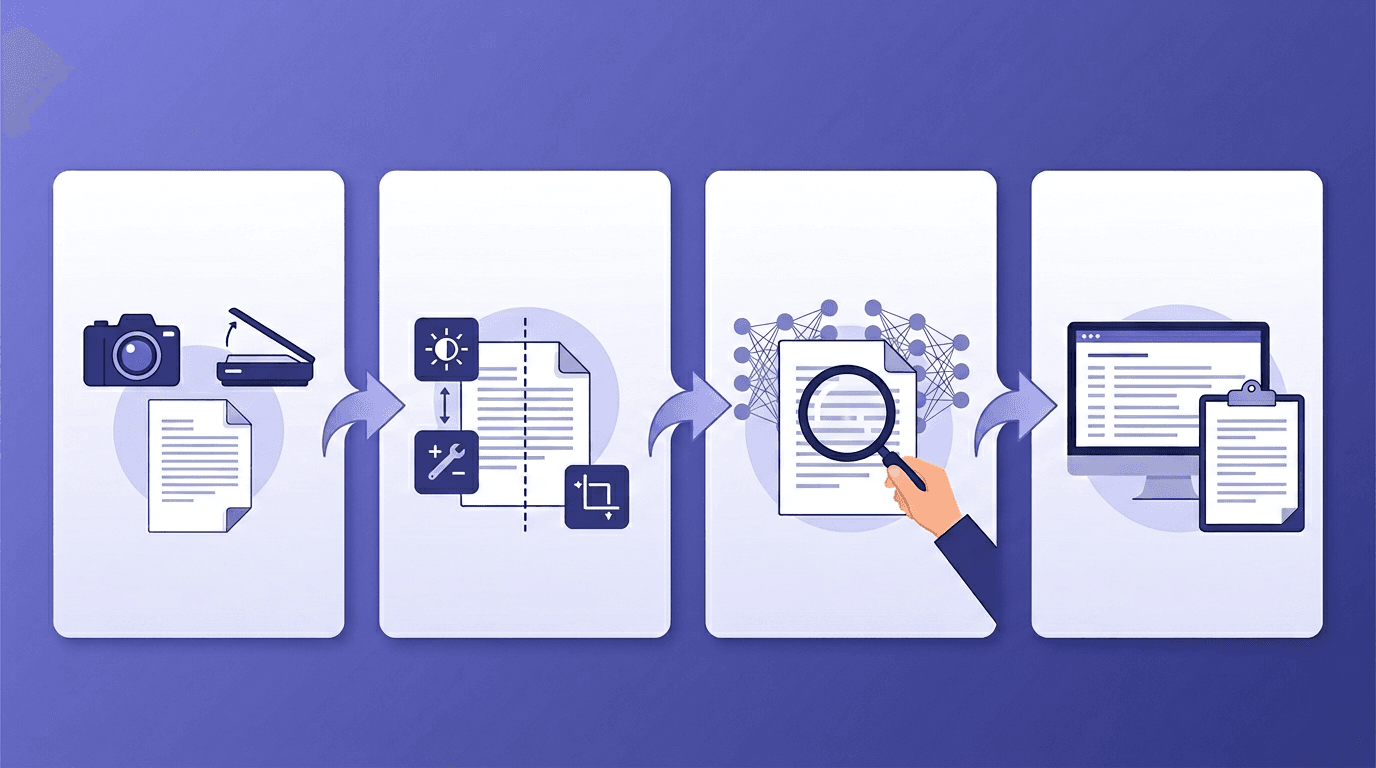
Step 1: Image Acquisition
The process begins with capturing an image:
- Scanning physical documents
- Taking photos with cameras
- Capturing screenshots
- Importing existing images
Step 2: Image Preprocessing
The image is prepared for analysis:
- Binarization - Converting to black and white
- Noise reduction - Removing specks and artifacts
- Deskewing - Straightening tilted text
- Layout analysis - Identifying text regions
Step 3: Character Recognition
Text is identified using algorithms:
- Pattern matching - Comparing to known character shapes
- Feature detection - Identifying unique characteristics
- Machine learning - Neural networks trained on millions of examples
- Context analysis - Using language rules to improve accuracy
Step 4: Post-Processing
Results are refined:
- Spell checking - Correcting obvious errors
- Format preservation - Maintaining structure
- Confidence scoring - Indicating recognition certainty
Types of OCR
Basic OCR
- Recognizes printed text in standard fonts
- Works with clean, high-quality images
- Most accurate for simple documents
Intelligent Character Recognition (ICR)
- Handles handwritten text
- Uses machine learning for adaptation
- Improves with training
Intelligent Word Recognition (IWR)
- Recognizes complete words
- Better for cursive handwriting
- Context-aware processing
Optical Mark Recognition (OMR)
- Detects marks and checkboxes
- Used for surveys and tests
- Binary detection (marked/unmarked)
OCR Accuracy Factors
| Factor | Impact on Accuracy |
|---|---|
| Image quality | High |
| Font type | Medium-High |
| Text contrast | High |
| Document condition | Medium |
| Language complexity | Medium |
| Handwritten vs printed | High |
Common OCR Applications
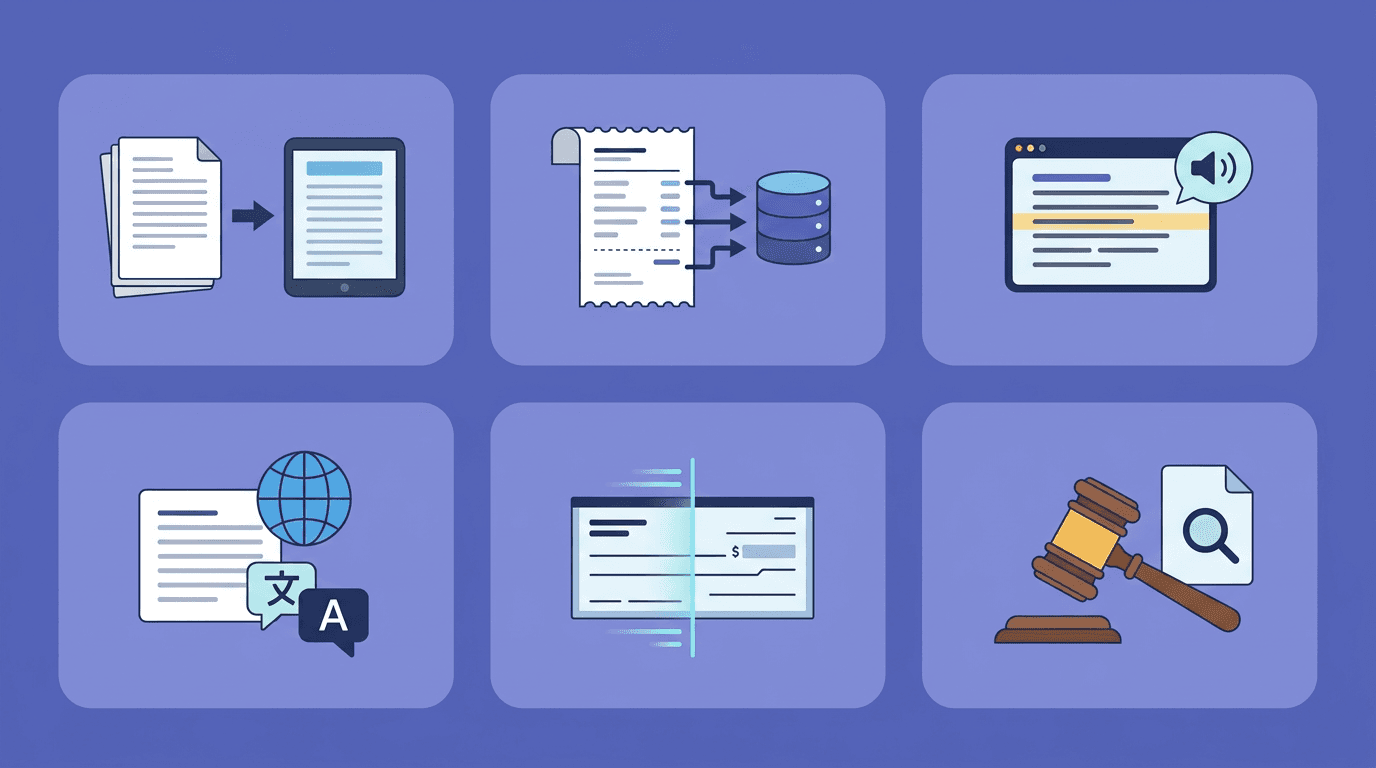
Document Digitization
Converting paper archives to searchable digital files.
Data Entry Automation
Extracting information from forms, invoices, and receipts.
Accessibility
Making printed content available to screen readers.
Translation
Enabling text extraction for translation services.
Legal Discovery
Searching through scanned legal documents.
Banking
Processing checks and financial documents.
Try OCR Technology
Use Image to Text with one JPG/JPEG, PNG, WebP, GIF, BMP or TIFF. Choose one of the 15 recognition languages before submitting; English is selected initially. Recognition runs on the server. Compare the result with the image, then copy or download plain text. It does not translate or reconstruct the document layout.
PDF input is not accepted here. Use PDF to Image first and recognize the required page images individually. The image limits are 20 MB, 8192 px per side and 25 million pixels. These all apply together.
OCR vs Manual Data Entry
| Aspect | OCR | Manual Entry |
|---|---|---|
| Speed | Seconds | Minutes/Hours |
| Cost | Free-Low | Labor cost |
| Accuracy | Depends on the image and recognition model | Depends on the task and proofreading |
| Capacity | Limited by files, processing resources and request limits | Limited by available time and staff |
| Consistency | High | Variable |
Limitations of OCR
Quality Dependence
Poor image quality significantly reduces accuracy.
Handwriting Challenges
Varied handwriting styles are difficult to recognize.
Complex Layouts
Tables, columns, and mixed content can confuse OCR.
Language Limitations
Some languages and scripts are better supported than others.
The Future of OCR
AI Integration
Deep learning continues to improve accuracy and capabilities.
Real-time Processing
Mobile devices now offer instant OCR in cameras.
Multi-modal Recognition
Combining image, text, and layout understanding.
Cloud Processing
Powerful OCR available through web services.
Frequently Asked Questions
Is OCR 100% accurate?
Recognition accuracy depends on the source image, language, lettering and layout. There is no fixed percentage promised here. Check a representative sample against the original, especially names and numbers; a model confidence score is not a measured character-accuracy rate.
Can OCR read any font?
Most standard fonts work well. Decorative or unusual fonts may have lower accuracy.
Does OCR work on handwriting?
Yes, but accuracy varies greatly based on handwriting clarity.
Is OCR the same as text extraction?
OCR recognizes characters from pixels. Text extraction is broader: it can also read text already embedded in a digital PDF without recognizing an image. This site’s OCR form takes images; convert a scanned PDF page to an image first.
Can OCR recognize multiple languages?
Some OCR systems support automatic detection or several recognition languages at once. Here, choose one of 15 languages manually; automatic detection and combined-language selection are not offered. Check mixed-language text carefully, or process suitable cropped regions separately.
Conclusion
OCR technology has revolutionized how we interact with printed and handwritten text. Try our free OCR tool to experience this technology firsthand.
Related tools: Image to Text | PDF Converter | Document Tools
More tools for your next image task
Explore ImgConvert tools for conversion, PDF files, and GIFs.
- Image converters
- PDF tools
- GIF tools