
Solve AVIF Compatibility Issues by Choosing the Right Output
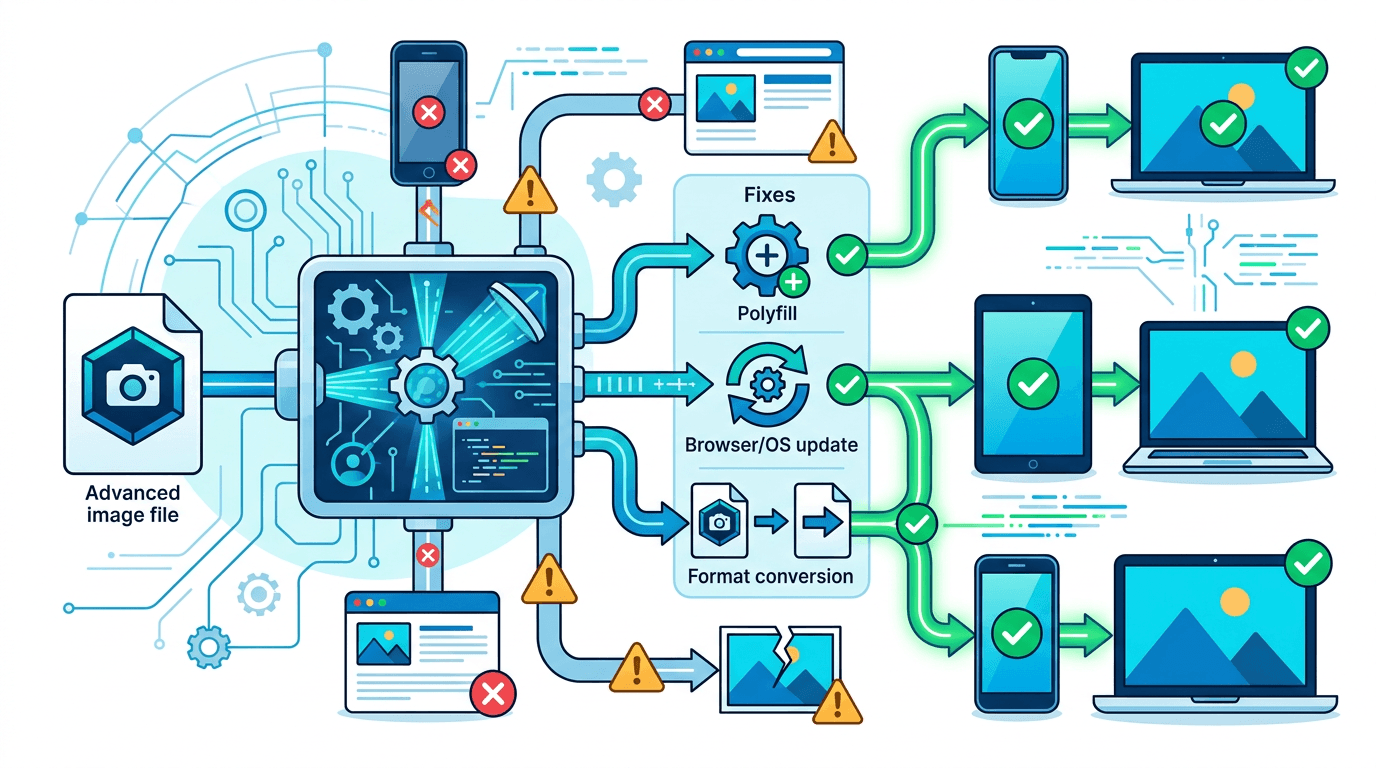
An AVIF image may open in one application and fail in another. Support depends on the application, its version and the file itself. Check the destination’s current accepted formats before changing the image; a missing thumbnail alone does not prove that the file is damaged.
Identify the failure
- Cannot open: check that the download finished and try an application that explicitly supports AVIF.
- Cannot upload: check the destination’s format, size and dimension limits.
- Cannot edit or print: check the editor or print service’s requirements. A JPG or PNG copy may be suitable, but the destination decides.
Changing the filename extension does not convert AVIF data. Keep the original and make a separate compatible copy.
Troubleshoot the destination
Files that do not open and missing thumbnails
First confirm the download completed and that the filename really belongs to an AVIF image; renaming a JPG or a partial download does not repair it. Try opening the file in an application that explicitly supports it. Thumbnail generation and full-image decoding are separate: a generic file icon does not establish corruption. Check the documentation for your installed operating system and viewer instead of assuming an OS version guarantees every application can open the file.
Editing and document insertion
If an editor or office application rejects the image, check its import-format list. A PNG copy is useful when you need existing transparency; JPG can suit an opaque photo. Open the converted file in that exact application and inspect fine text, color and transparency before continuing a design project.
Sharing and printing
Check what the receiving chat, form or print service accepts. A file may be too large even when the format is allowed. Send a compatible copy while retaining the original. For printing, confirm physical placement, pixel dimensions and color requirements; converting to JPG does not itself fix a low-resolution source or establish a print-ready workflow.
Choose JPG or PNG
| Need | Converter | Tradeoff |
|---|---|---|
| A photo without transparency | AVIF to JPG | Lossy output; transparent areas become white |
| Keep existing transparent areas or avoid another lossy encoding step | AVIF to PNG | PNG may be substantially larger |
PNG does not recover detail already lost when the AVIF was encoded. Neither conversion guarantees identical color in every viewer, and these tools produce a static image from the first frame of an animated source.
Convert one AVIF image
- Select one AVIF file up to 20 MB. These pages do not accept a folder or a batch.
- Leave dimensions blank to keep the source size, or enter optional dimensions: 1–16384 px per side for JPG and 1–8192 px for PNG. When both are supplied, the image fits within the box while preserving its proportions.
- For JPG, start with the default quality value of 85. You can enter an integer from 1 to 100; compare the actual output before adjusting it.
- For PNG, choose a compression preset. It changes encoding effort and file size, not a percentage image-quality target.
- Submit, download and open the result in the application that originally failed.
The image is uploaded for processing. For several files, repeat this workflow or choose separate software with batch support. There is no promised output size or universal best quality percentage.
If the converted file still fails
Check the new file’s dimensions and size against the destination’s requirements. A format change alone will not fix a maximum-size violation, a corrupt source or an unsupported printing workflow. Inspect transparency, small text and color before replacing a production asset.
Preventing future compatibility problems
For your own website, prepare real files for each format and use a picture element to offer alternatives. This does not convert files at runtime: every referenced URL must exist. The JPG in the img element is the fallback, and its alt text should describe the picture. Test it in the browsers required by your project.
For personal or team files, keep the AVIF original and label derived JPG/PNG copies clearly. Confirm the receiving application before a deadline so a missing preview does not become a last-minute delivery problem.
<picture>
  <source srcset="image.avif" type="image/avif">
  <source srcset="image.webp" type="image/webp">
  <img src="image.jpg" alt="Product photographed against a white background">
</picture>
Frequently asked questions
Should I convert all AVIF files?
Only create another format where your destination needs it. Keep AVIF originals so you can make new copies without repeatedly converting lossy files.
Will JPG keep a transparent background?
No. Use PNG when the destination accepts it and transparency matters. Converting to PNG preserves existing transparency; it does not remove an opaque background.
Does installing an update always solve the problem?
No. Consult the application’s documentation for your version. The problem may be the file, an upload rule or a downstream service rather than local decoding.
More tools for your next image task
Explore ImgConvert tools for conversion, PDF files, and GIFs.
- Image converters
- PDF tools
- GIF tools