
HEIC vs PNG Quality Comparison - Which Format Is Better?
When choosing between HEIC and PNG, understanding their quality differences is crucial. Each format has its strengths, and knowing when to use which — or when to convert between them — can significantly improve your workflow. This guide provides a detailed HEIC vs PNG quality comparison.
Understanding HEIC and PNG Formats
HEIC
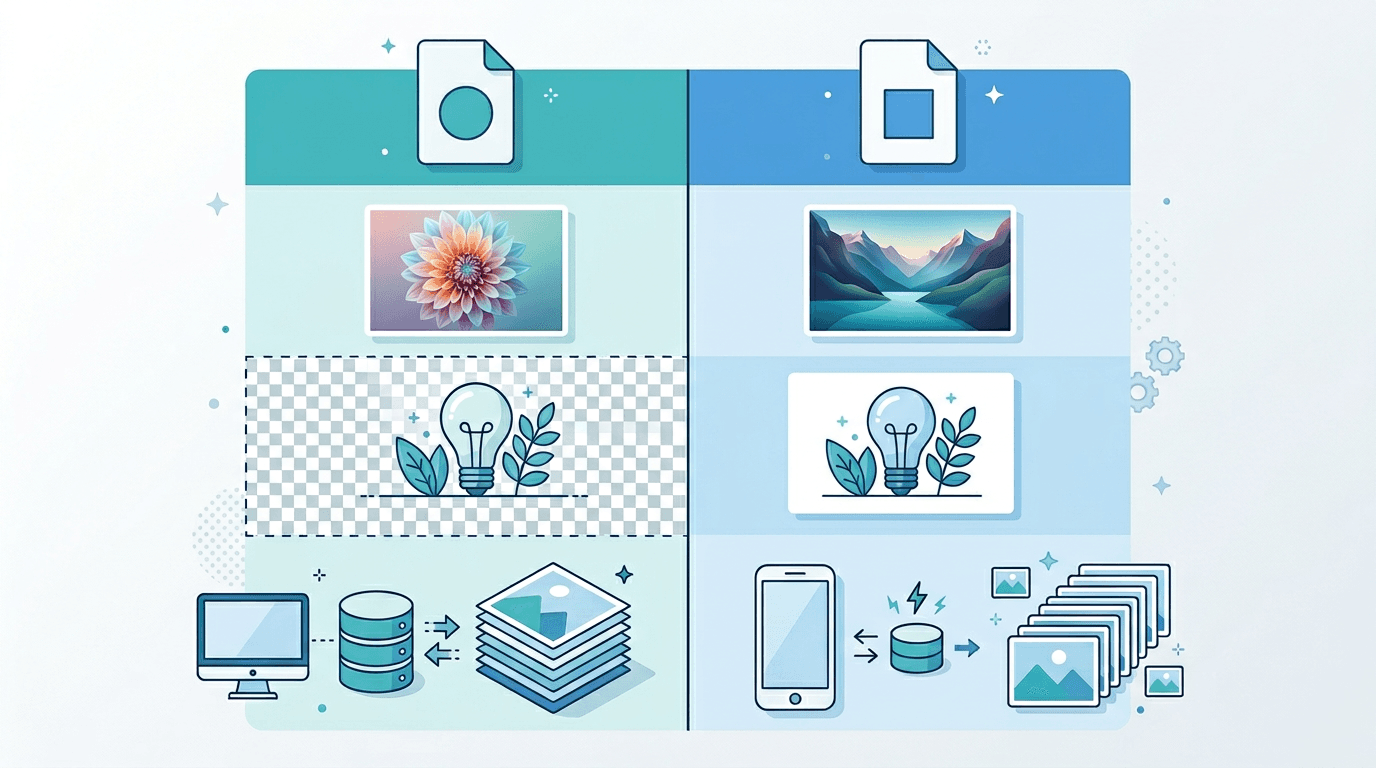
HEIC commonly stores photos using HEVC encoding and is used in Apple photo workflows. Whether another app can open a file depends on its decoder and the file’s features.
PNG
PNG uses lossless encoding for the pixels supplied to its encoder and supports transparency. It is useful for graphics, screenshots and compatible image copies. Converting a photo to PNG does not restore detail already lost in the source.
Quality Comparison: HEIC vs PNG
| Comparison | HEIC | PNG |
|---|---|---|
| Image information | Photo quality depends on the source encoding | Encodes its input pixels losslessly |
| Photo storage | Useful for compact camera originals | Photo copies can require more storage |
| Typical workflow | Keeping and editing photos in compatible apps | Graphics, screenshots and PNG delivery copies |
| Compatibility | Requires HEIC support in the destination app | Common in browsers and image editors |
Keep the original HEIC for a photo library when your apps support it. Make a PNG copy when an editor or upload destination requires PNG. The conversion cannot recover detail lost before export, and actual file sizes depend on the image.
See Apple’s HEIF compatibility guidance and the PNG specification for the format background. The table describes practical differences, not measured quality scores.
Color Depth and Bit Depth
Bit depth and color handling are separate from a compression preset. PNG supports, among other configurations, 8-bit and 16-bit samples; a format’s capabilities do not show what a specific converter preserves.
For this HEIC to PNG workflow, do not assume that HDR data, wide-gamut colors, source bit depth or metadata are retained unchanged. The current form does not provide controls to guarantee those properties. Keep the HEIC original and check the PNG in the intended application.
Transparency Support
PNG can store transparent pixels, but converting an opaque photo does not remove its background. If your HEIC contains an alpha channel, check that it is decoded and displayed correctly in the resulting PNG and destination app.
Use HEIC to PNG for a PNG copy; use a separate background-removal workflow if you need to make an opaque background transparent.
Quality Loss During Conversion
HEIC to PNG
The PNG encoding stage is lossless for its input pixels. However, decoding, resizing and color handling can affect the conversion, and lost source detail cannot be recovered. Compare actual file sizes; an increase or a fixed reduction is not guaranteed.
PNG to HEIC
This site’s HEIC to PNG page does not provide the reverse operation. In external software, the result depends on the HEIC encoder and mode. Do not copy a quality number between different encoders or promise a fixed reduction without measuring.
Practical Quality Scenarios
- Keeping camera originals: Retain the original HEIC file for its source data and metadata; a converted copy is not a replacement.
- Sharing: Check accepted formats and limits at the destination, then create a compatible copy only when needed.
- Editing: A PNG copy can be useful when an editor needs it, but verify dimensions and color and keep the original separately.
- Web graphics: PNG is useful for text and transparency. For photographs, also compare a compatible JPG or WebP copy if file size matters.
PNG Compression Recommendations
The HEIC to PNG converter offers PNG compression presets, not a photo quality slider:
| Preset | What it prioritizes |
|---|---|
| Fastest (no compression) | Least compression effort; potentially larger files |
| Fast | Lower compression effort |
| Balanced (recommended) | A starting point for speed and size |
| Strongest compression (slower) | More effort to try to reduce size; can take longer |
All four use lossless PNG encoding for the same input pixels. Strongest compression does not retain more detail, and Fastest does not lower image clarity. Savings and timing depend on the image. Width and height are separate controls that can change pixels when resizing.
FAQ
Is HEIC to PNG completely lossless?
PNG encoding is lossless for the pixels it receives. That is not a guarantee that decoding, resizing, color handling or metadata remain unchanged through the whole conversion.
Is PNG always higher quality?
No. It depends on the source and processing. PNG cannot restore detail already lost in the HEIC source.
Which compression preset should I use?
Start with Balanced (recommended). Try Strongest compression (slower) if a smaller file matters more than processing time. This does not raise image quality.
Should I convert every original for storage?
Keep the original HEIC files and make PNG copies when a workflow needs them. Conversion may increase storage requirements and does not guarantee preservation of source metadata.
Will conversion create transparency or guarantee print quality?
No. Background removal is separate. For printing, check resolution, color and the print provider’s requirements using the actual output.
How to Check the Converted Image
- Use the same viewer: Open the HEIC and PNG side by side with the same display settings.
- Check detail: Start at 100% zoom. Use 200–400% zoom to inspect small text, edges and gradients more closely.
- Check dimensions and color: Confirm orientation, pixel dimensions, skin tones and bright areas; inspect transparency if the source contains it.
- Test the destination: Open or upload the PNG where you intend to use it, then compare the actual file sizes before replacing a delivery copy.
Summary
Keep HEIC originals for your photo library and create PNG copies when editing or delivery requires them. Start with the recommended PNG compression preset, check the result in the destination app and choose the copy that suits the task.
Related tools: HEIC to JPG | HEIC to WebP | PNG to JPG
More tools for your next image task
Explore ImgConvert tools for conversion, PDF files, and GIFs.
- Image converters
- PDF tools
- GIF tools