
Straighten Tilted Photos: Small Angles and Right-Angle Rotation
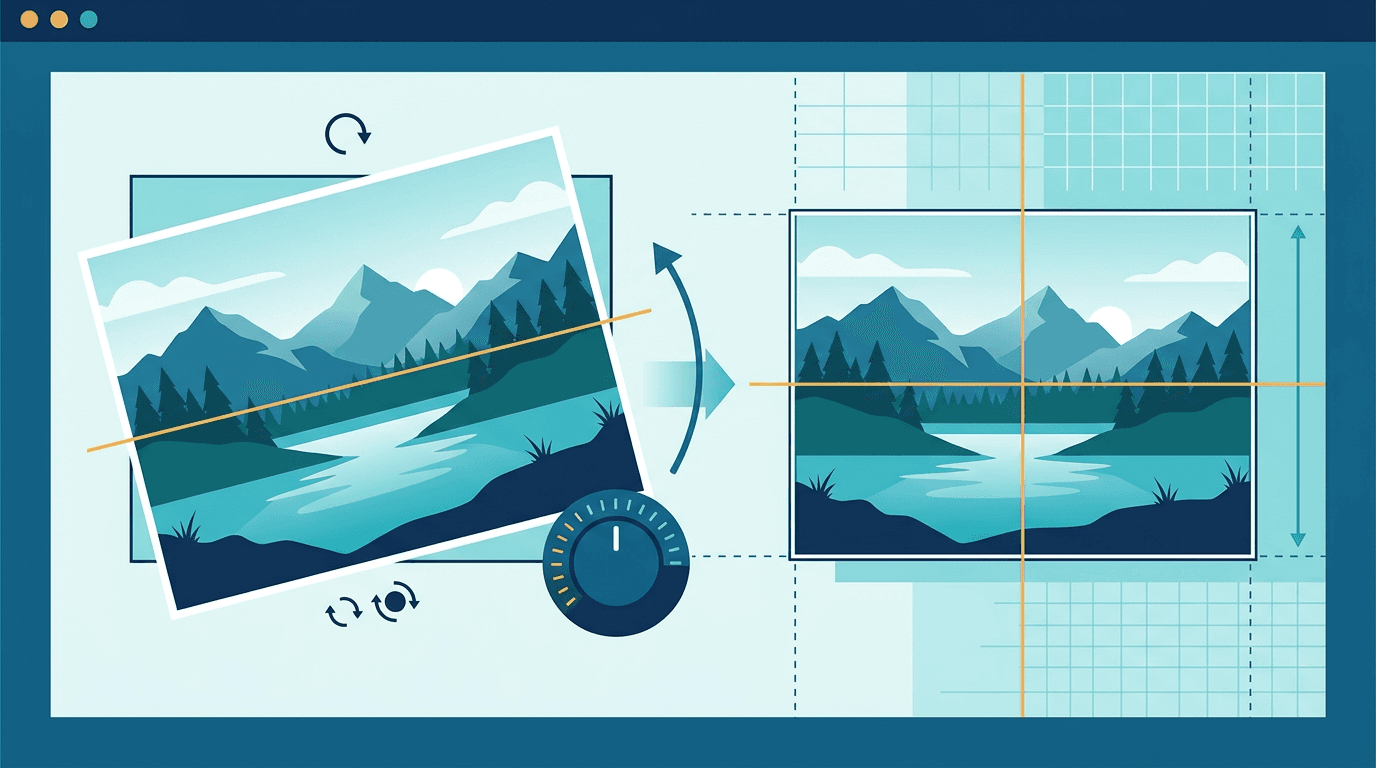
A slightly tilted horizon needs a small-angle adjustment. ImgConvert’s Image Rotator provides 90° steps and flips, so it cannot make this correction. Use it for sideways or upside-down pictures; use an editor with custom angles for a slight tilt.
Why Photos Get Tilted

Common Causes
- Handheld shooting - Natural hand movement
- Quick captures - No time to level
- No reference points - Hard to judge level
- Camera settings - Grid not enabled
Why It Matters
Tilted horizons:
- Look unprofessional
- Feel unbalanced
- Distract from subject
- Reduce image impact
Identify what needs correcting
- A sideways scan usually needs a 90° turn.
- A sloping horizon needs a small custom angle.
- Converging building edges may need perspective correction, which is different from rotating the whole picture.
Use a reliable reference such as a horizon or door frame. A hill, leaning object or deliberately angled composition is not automatically an error.
Small-angle workflow in another editor
- Open a copy in an editor that offers straighten or custom-angle controls.
- Use a grid or reference line if available, then rotate in small increments.
- Check the whole picture. Correcting one edge may make another look less natural.
- Decide how to handle empty corners: crop them or keep the expanded canvas if the editor allows it.
- Save a new copy and compare framing and detail with the original.
These are capabilities to look for in that editor, not controls provided by ImgConvert. There is no universal crop-loss percentage; it depends on the angle and composition.
Techniques for Different Subjects
These techniques describe working in another editor with fine-angle controls. Use references that should actually be level: converging walls may need perspective correction, and a person’s naturally tilted head is not necessarily an error.
Landscape Photos
Aligning horizons:
- Find clear horizon line
- Rotate until level
- Use water as reference
- Check both ends
Architecture
Building straightening:
- Vertical lines should be vertical
- Window frames as guides
- Door frames
- Column edges
Interior Shots
Room alignment:
- Wall edges
- Floor lines
- Ceiling edges
- Furniture as reference
Portrait Photos
Subtle correction:
- Use the eye line as a reference only when the intended pose is level
- Shoulders as guide
- Natural alignment
- Not always perfectly level (artistic choice)
Finish with the tools available here
Use Image Cropper to manually trim a rectangular area, or Image Resizer to set final pixel dimensions. Both process one image per task. Neither performs automatic horizon detection or perspective correction.
Quality and repeated editing
Small-angle rotation resamples pixels. Cropping removes part of the scene, and lossy export can add compression damage. Start from the original, avoid repeated JPEG exports and retain an editable source when possible.
Tools and Guides
When choosing that editor, look for the following aids if they help your image. They are not controls available in ImgConvert’s 90° rotator. A grid is a visual reference, not proof that every line in the scene should be horizontal.
Grid Overlay
Use grids:
- Shows horizontal/vertical
- Align to grid lines
- Visual reference
Level Indicator
Some tools show:
- Degree of rotation
- Level indicator
- Auto-detect horizon
Prevention Tips
While Shooting
Prevent tilted shots:
- Enable camera grid
- Use level indicator
- Take time to level
- Use tripod when possible
Camera Settings
Enable:
- Grid lines (rule of thirds)
- Electronic level
- Horizon indicator
Common Mistakes
Over-Straightening
Problem: Making image tilted other direction
Solution: Check reference lines carefully
Wrong Reference
Problem: Using non-horizontal line as reference
Solution: Find true horizontal elements
Ignoring Artistic Tilt
Problem: Straightening intentionally tilted shots
Solution: Recognize artistic choices
FAQ
Can I correct a 2° tilt with this website’s rotator?
No. Its buttons turn in 90° steps. A custom-angle editor is required.
Should every photo be level?
No. Keep an intentional tilt if it serves the composition. Check recognizable references before changing the image.
More tools for your next image task
Explore ImgConvert tools for conversion, PDF files, and GIFs.
- Image converters
- PDF tools
- GIF tools