
PNG to WebP for Website Performance - Speed Up Your Site
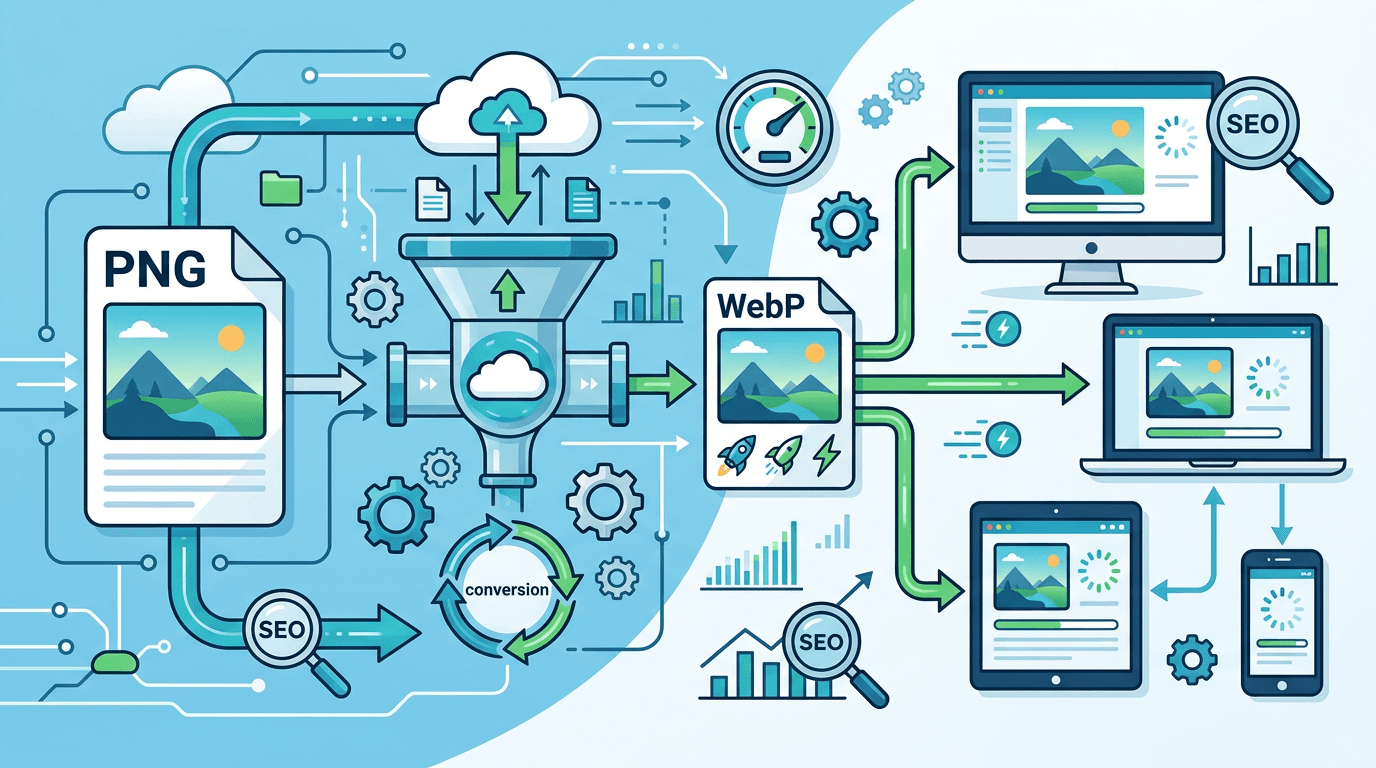
Website performance directly impacts user experience and SEO rankings. One of the most effective optimizations is converting PNG images to WebP format. This guide shows you how to leverage WebP for faster, better-performing websites.
Why PNG Hurts Website Performance

While PNG is excellent for image quality, it comes with significant drawbacks for web use:
- Large file sizes - PNG files are typically 3-5x larger than WebP
- Slow loading - Large images delay page rendering
- Poor Core Web Vitals - Affects Largest Contentful Paint (LCP)
- Higher bandwidth costs - More data transfer = higher costs
- Mobile user frustration - Slow sites on cellular connections
WebP: The Web Performance Solution
WebP was designed by Google specifically for web optimization:
| Metric | PNG | WebP | Improvement |
|---|---|---|---|
| File Size | 100% | 26% | 74% smaller |
| Load Time | Baseline | 3x faster | 200% improvement |
| Bandwidth | 100% | 26% | 74% savings |
Real-World Performance Improvements
Case Study: E-commerce Site
A product catalog with 500 images:
| Before (PNG) | After (WebP) | Impact |
|---|---|---|
| 2.8 GB total | 750 MB total | 73% reduction |
| 4.2s page load | 1.4s page load | 67% faster |
| PageSpeed: 45 | PageSpeed: 89 | +44 points |
Case Study: Blog Website
A content site with 200 article images:
| Before (PNG) | After (WebP) | Impact |
|---|---|---|
| 890 MB total | 240 MB total | 73% reduction |
| 3.1s page load | 1.1s page load | 65% faster |
| Bounce rate: 58% | Bounce rate: 34% | -24% |
How to Convert PNG to WebP for Your Website
Step 1: Audit Your Current Images
Identify which images need conversion:
- Check image file sizes in DevTools
- Find images larger than 100KB
- Focus on above-the-fold images first
Step 2: Convert Images
Use our PNG to WebP converter:
- Upload your PNG images
- Select quality (80-85% for web)
- Download WebP versions
- Replace images on your website
Step 3: Implement with Fallbacks
For maximum compatibility, use the picture element:
<picture>
  <source srcset="image.webp" type="image/webp">
  <img src="image.png" alt="Description" loading="lazy">
</picture>
Optimal WebP Quality Settings for Web
Hero Images and Banners
Quality: 85-90%
Expected size: 70% smaller than PNG
Priority: Balance quality and speed
Product Images
Quality: 85%
Expected size: 75% smaller than PNG
Priority: Preserve detail
Thumbnails and Icons
Quality: 75-80%
Expected size: 80% smaller than PNG
Priority: Speed
Background Images
Quality: 75%
Expected size: 85% smaller than PNG
Priority: Fast loading
Impact on Core Web Vitals
Google's Core Web Vitals measure user experience:
Largest Contentful Paint (LCP)
WebP dramatically improves LCP by loading images faster:
| Target | PNG Performance | WebP Performance |
|---|---|---|
| Good (< 2.5s) | Often fails | Usually passes |
| Needs Improvement | Common | Rare |
| Poor (> 4s) | Possible | Very rare |
Cumulative Layout Shift (CLS)
Faster image loading reduces layout shift:
- Images load before causing reflow
- Better visual stability
- Improved user experience
Implementation Strategies
Strategy 1: Manual Conversion
For smaller sites:
- Convert PNG to WebP manually
- Upload WebP files to server
- Update HTML/CSS references
- Add fallbacks for older browsers
Strategy 2: WordPress Plugins
For WordPress sites:
- ShortPixel - Auto-converts uploads
- Imagify - Batch conversion
- EWWW Image Optimizer - Converts existing images
Strategy 3: CDN-Based Conversion
For large sites:
- Cloudflare Polish
- imgix
- Cloudinary
These services convert images on-the-fly.
Strategy 4: Build Tool Integration
For modern web apps:
- Webpack image loaders
- Next.js Image component
- Gatsby image plugins
Server Configuration
Apache (.htaccess)
<IfModule mod_rewrite.c>
  RewriteEngine On
  RewriteCond %{HTTP_ACCEPT} image/webp
  RewriteCond %{REQUEST_FILENAME}.webp -f
  RewriteRule ^(.+)\.(png|jpg)$ $1.webp [T=image/webp,E=accept:1]
</IfModule>
Nginx
location ~* ^/images/.+\.(png|jpg)$ {
  add_header Vary Accept;
  try_files $uri.webp $uri =404;
}
Measuring Performance Improvements
Tools to Use
- Google PageSpeed Insights - Overall performance score
- Lighthouse - Detailed metrics
- WebPageTest - Waterfall analysis
- Chrome DevTools - Network tab analysis
Key Metrics to Track
| Metric | Before WebP | Target After |
|---|---|---|
| Total Image Size | Baseline | 70% reduction |
| LCP | Current | Under 2.5s |
| Page Load Time | Current | 50% improvement |
| PageSpeed Score | Current | 90+ |
Common Implementation Mistakes
Mistake 1: Not Using Fallbacks
Problem: Older browsers can't display WebP.
Solution: Always include PNG/JPG fallback:
<picture>
  <source srcset="photo.webp" type="image/webp">
  <img src="photo.png" alt="Photo">
</picture>
Mistake 2: Over-Compressing
Problem: Quality too low, images look bad.
Solution: Use 80-85% quality for most images.
Mistake 3: Ignoring Image Dimensions
Problem: Serving oversized images.
Solution: Resize images to actual display dimensions before converting.
Mistake 4: Not Lazy Loading
Problem: Loading all images at once.
Solution: Add loading="lazy" to below-fold images.
Frequently Asked Questions
How much faster will my website be?
Most sites see 50-70% improvement in image load times, which typically translates to 30-50% faster overall page load.
Do all browsers support WebP?
Over 97% of browsers support WebP. Use the picture element for the remaining 3%.
Will WebP affect my SEO?
Yes, positively! Faster sites rank higher. Google specifically recommends WebP in their optimization guidelines.
Should I convert all PNG to WebP?
For web use, yes. Keep original PNG files for archiving and future re-conversion if needed.
Can I convert PNG with transparency to WebP?
Yes! WebP supports transparency, making it a perfect PNG replacement.
Conclusion
Converting PNG to WebP is one of the highest-impact optimizations for website performance. With 70-80% file size reductions and universal browser support, there's no reason not to make the switch.
Start optimizing today:
- Audit your current images
- Convert PNG to WebP
- Implement with fallbacks
- Measure improvements
Related articles: PNG to WebP Transparency Guide | PNG vs JPG Comparison
Related tools: Image Compressor | Image Resizer | PNG to JPG