
PDF to WebP vs JPG - Which Format Should You Choose?
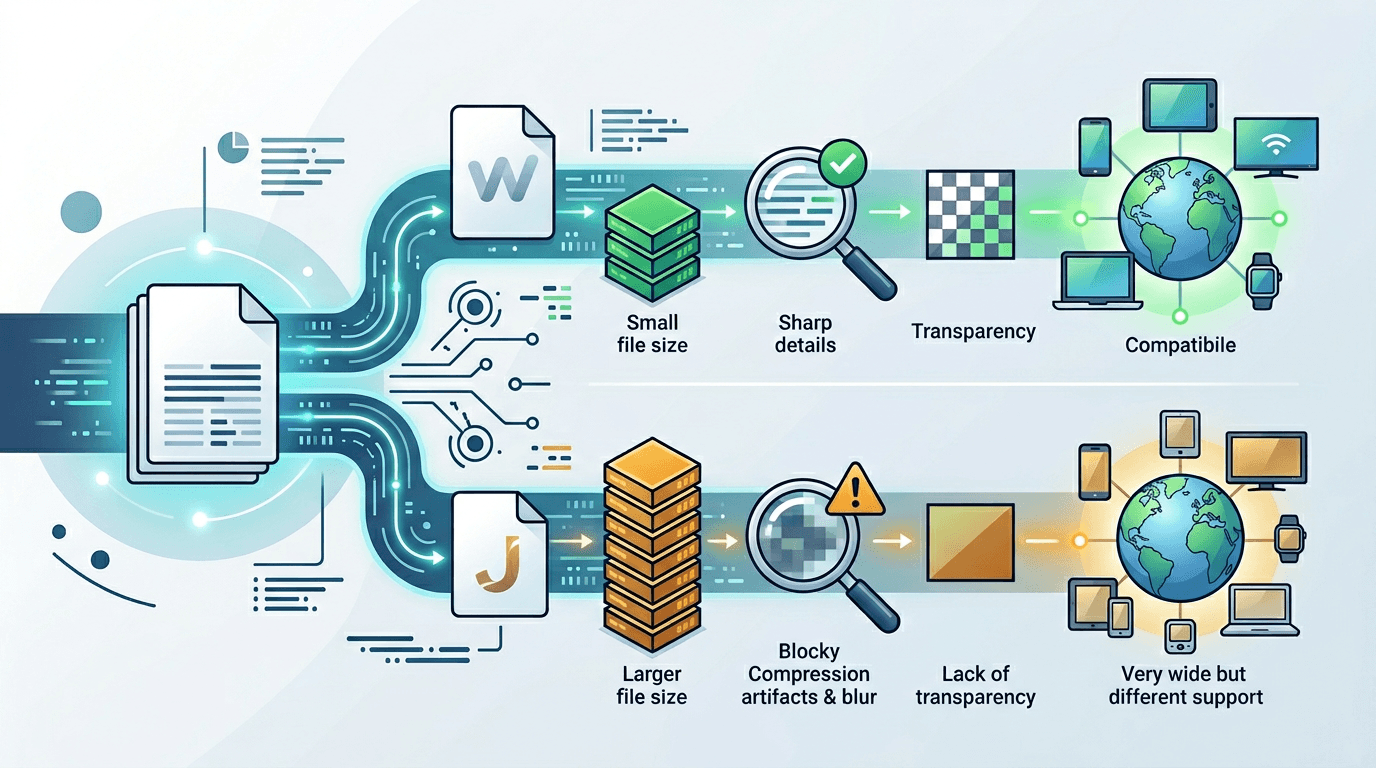
When converting PDF to images, choosing between WebP and JPG can significantly impact your results. This comparison helps you decide which format is best for your specific needs.
Quick Comparison
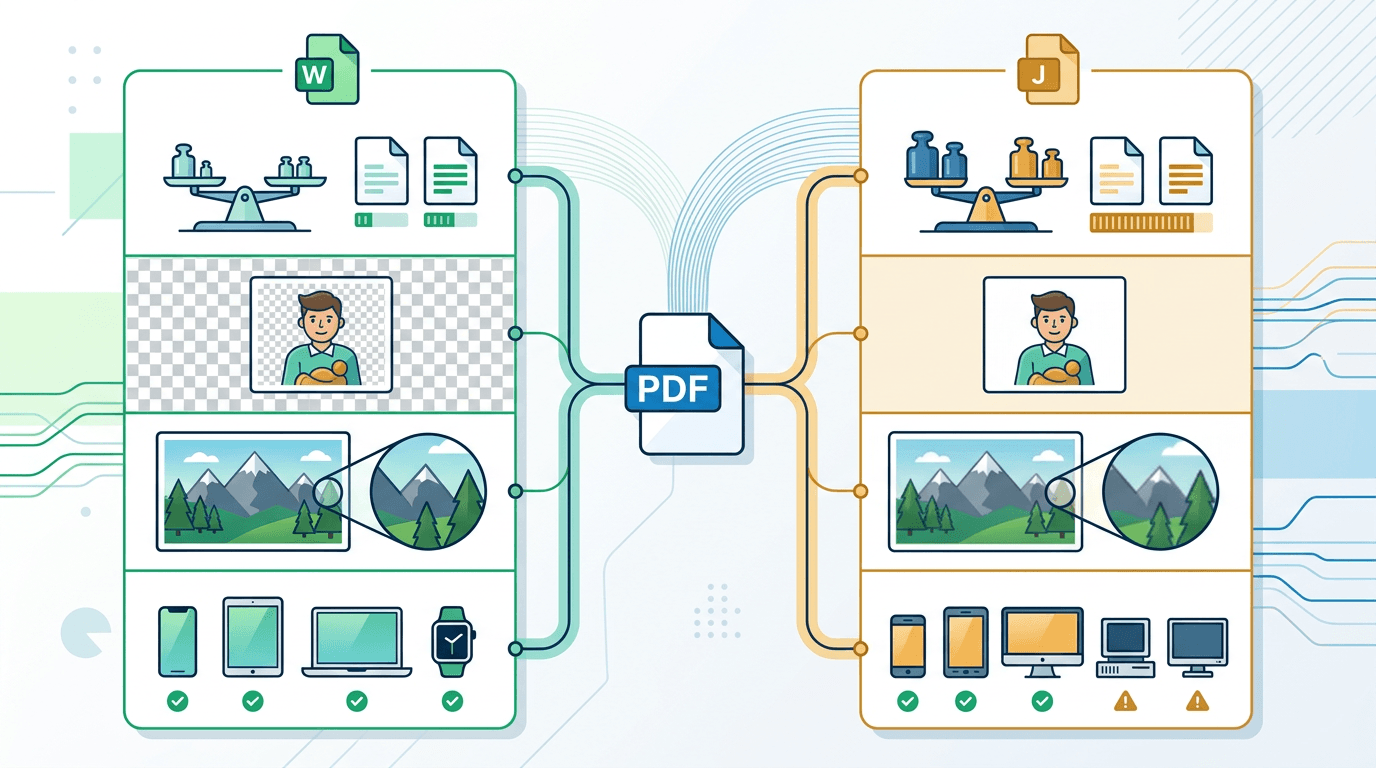
| Feature | WebP | JPG |
|---|---|---|
| File Size | Smaller (25-35% less) | Larger |
| Quality | Excellent | Very Good |
| Transparency | ✅ Supported | ❌ Not supported |
| Browser Support | All modern browsers | Universal |
| Animation | ✅ Supported | ❌ Not supported |
| Best For | Web, modern apps | Universal compatibility |
File Size Comparison
WebP offers superior compression:
| Image Type | JPG Size | WebP Size | Savings |
|---|---|---|---|
| Text document | 150 KB | 105 KB | 30% |
| Colorful graphic | 200 KB | 140 KB | 30% |
| Photo-heavy page | 300 KB | 210 KB | 30% |
Quality at Same File Size
At equivalent file sizes:
- WebP maintains sharper text and cleaner edges
- JPG may show compression artifacts around text
- WebP preserves fine details better
When to Choose WebP
For Websites
WebP's smaller size improves page speed and SEO.
For Modern Applications
All current browsers and platforms support WebP.
When Transparency is Needed
Only WebP (not JPG) supports transparent backgrounds.
For Performance Optimization
WebP reduces bandwidth and improves Core Web Vitals.
When to Choose JPG
Maximum Compatibility
JPG works everywhere, including legacy systems.
Email Attachments
Some email clients may not display WebP inline.
Print Workflows
Print shops often prefer established formats.
Older Devices
Very old devices may not support WebP.
Converting PDF to Each Format
PDF to WebP
Use our PDF to WebP converter for:
- Optimal web performance
- Modern website images
- Smaller file sizes
PDF to JPG
Use our PDF to JPG converter for:
- Universal compatibility
- Legacy system support
- Traditional workflows
Real-World Scenarios
Scenario 1: E-commerce Product Sheets
Recommendation: WebP
- Smaller images = faster pages
- Better SEO performance
- Modern browsers fully support
Scenario 2: Email Newsletter
Recommendation: JPG
- Better email client compatibility
- Reliable display across platforms
- No rendering issues
Scenario 3: Social Media
Recommendation: Depends on platform
- Most platforms accept both
- WebP uploads may be converted
- JPG is universally accepted
Scenario 4: Document Archive
Recommendation: Consider both
- WebP for web access
- JPG or PNG for archival
Quality Settings Comparison
| Quality Level | WebP File Size | JPG File Size | Visual Difference |
|---|---|---|---|
| Low | 50 KB | 75 KB | Visible artifacts |
| Medium | 80 KB | 120 KB | Minimal difference |
| High | 120 KB | 175 KB | Nearly identical |
| Maximum | 180 KB | 250 KB | Imperceptible |
Making the Decision
Choose WebP if:
- ✅ Building modern websites
- ✅ Performance is priority
- ✅ Need transparency support
- ✅ Target audience uses modern browsers
Choose JPG if:
- ✅ Maximum compatibility needed
- ✅ Working with legacy systems
- ✅ Email distribution primary
- ✅ Print is the end use
Hybrid Approach
For best results, consider generating both formats:
<picture>
  <source srcset="document.webp" type="image/webp">
  <img src="document.jpg" alt="Document">
</picture>
This serves WebP to modern browsers and JPG to others.
Frequently Asked Questions
Is WebP quality really as good as JPG?
Yes, at the same visual quality, WebP files are 25-35% smaller.
Will WebP work on iPhones?
Yes, Safari supports WebP on iOS 14 and later (2020+).
Can I use WebP for printing?
Technically yes, but JPG or TIFF are more common in print workflows.
Should I delete JPG versions after converting to WebP?
Keep JPG versions for fallback or legacy system compatibility.
Conclusion
For most web use cases, WebP offers clear advantages with smaller file sizes and equivalent quality. JPG remains valuable for maximum compatibility.
Convert PDF to WebP → | Convert PDF to JPG →
Related tools: Image Compression | PDF to PNG | WebP to JPG