
Optimize Images for Website - Complete Performance Guide

Image optimization is crucial for website performance. Large, unoptimized images slow down pages and hurt SEO. This guide shows you how to optimize images properly.
Why Image Optimization Matters
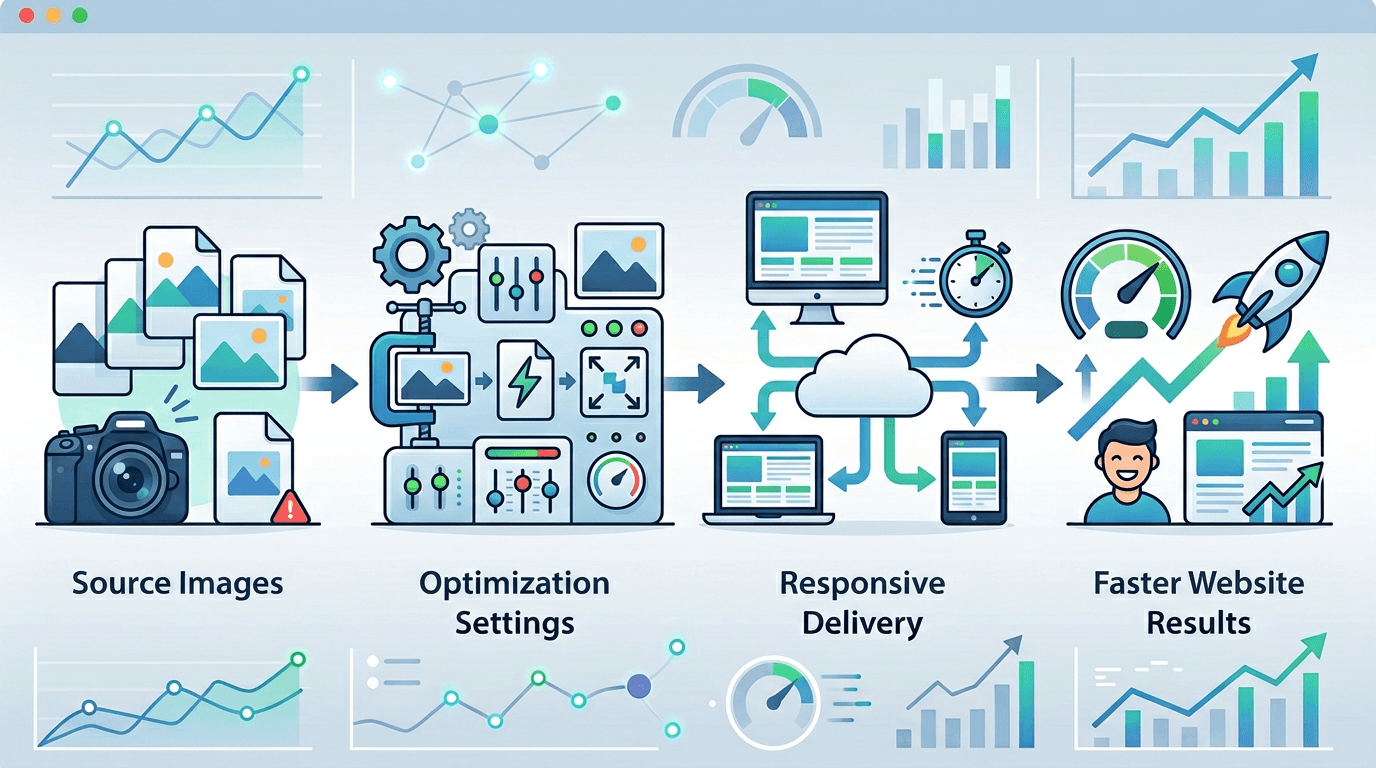
Performance Impact
Images typically represent:
- 50-70% of page weight
- Major loading bottleneck
- Primary optimization opportunity
Benefits
| Benefit | Impact |
|---|---|
| Faster loading | Better UX |
| Lower bandwidth | Reduced costs |
| Better SEO | Higher rankings |
| More conversions | Business growth |
Key Optimization Steps
1. Choose Right Format
| Content Type | Best Format |
|---|---|
| Photos | WebP, AVIF, JPG |
| Graphics | WebP, PNG |
| Icons | SVG |
| Animations | WebP, GIF |
2. Resize to Display Size
Don't serve larger than needed:
- Hero image: 1920px max width
- Content images: 800-1200px
- Thumbnails: 150-400px
3. Compress Appropriately
| Use | Quality Setting |
|---|---|
| Hero images | 80-85 |
| Content | 75-80 |
| Thumbnails | 70-75 |
4. Use Modern Formats
Priority order:
- AVIF (best compression)
- WebP (excellent support)
- JPG/PNG (fallback)
How to Optimize
Using Our Tool
- Visit Image Compressor
- Upload images
- Select web optimization preset
- Download optimized images
Batch Processing
For entire websites:
- Upload all images
- Apply consistent settings
- Download optimized set
Format Comparison
Typical Size Savings
| Original | WebP | AVIF |
|---|---|---|
| 1 MB JPG | 300-500 KB | 200-400 KB |
| 500 KB PNG | 200-300 KB | 150-250 KB |
Browser Support
| Format | Support |
|---|---|
| JPG/PNG | 100% |
| WebP | 97%+ |
| AVIF | 90%+ |
Implementation Strategies
Picture Element
Serve multiple formats:
<picture>
  <source srcset="image.avif" type="image/avif">
  <source srcset="image.webp" type="image/webp">
  <img src="image.jpg" alt="Description">
</picture>
Responsive Images
Multiple sizes:
<img
  srcset="image-400.jpg 400w,
          image-800.jpg 800w,
          image-1200.jpg 1200w"
  sizes="(max-width: 600px) 400px,
         (max-width: 1000px) 800px,
         1200px"
  src="image-800.jpg"
  alt="Description">
Lazy Loading
Defer off-screen images:
<img src="image.jpg" loading="lazy" alt="Description">
Performance Metrics
Core Web Vitals
Images affect:
- LCP - Largest Contentful Paint
- CLS - Cumulative Layout Shift
- INP - Interaction to Next Paint
Target Metrics
| Metric | Good | Needs Work |
|---|---|---|
| LCP | < 2.5s | < 4s |
| CLS | < 0.1 | < 0.25 |
Image Dimensions
Specify Width and Height
Always include dimensions:
<img src="image.jpg" width="800" height="600" alt="Description">
Benefits:
- Prevents layout shift
- Better CLS score
- Faster rendering
Aspect Ratio
Modern CSS:
img {
  aspect-ratio: 4 / 3;
  width: 100%;
  height: auto;
}
CDN and Caching
Use a CDN
Benefits:
- Global distribution
- Edge caching
- Faster delivery
- Often includes optimization
Cache Headers
Set proper caching:
- Static images: 1 year
- Dynamic images: Shorter
- Use versioning for updates
Common Optimization Mistakes
Over-Optimization
Problem: Quality too low
Solution: Balance size and quality
Wrong Dimensions
Problem: Serving 4000px images for 400px display
Solution: Resize to actual display size
Missing Lazy Loading
Problem: All images load immediately
Solution: Add lazy loading to below-fold images
No Format Fallbacks
Problem: Modern formats without fallback
Solution: Use picture element with fallbacks
Testing Performance
Tools
Use these tools:
- Google PageSpeed Insights
- WebPageTest
- Lighthouse
- Chrome DevTools
What to Check
| Metric | Target |
|---|---|
| Total image weight | < 1 MB |
| LCP image | < 200 KB |
| Images per page | Optimize each |
Frequently Asked Questions
What's the best format for web images?
WebP for broad support, AVIF for best compression. Use both with fallbacks.
How much should I compress?
Quality 75-85 for most web images. Test visually.
Should I use SVG for photos?
No. SVG is for graphics. Photos use JPG/WebP/AVIF.
Do I need multiple sizes?
Yes, for responsive design. Serve appropriate size per device.
How do I test optimization?
Use PageSpeed Insights and check image file sizes.
Conclusion
Proper image optimization dramatically improves website performance. Use modern formats, appropriate sizes, and compression for the best results.
Optimize your website images with our Image Compressor.
Related tools: Image Resizer | WebP Converter | AVIF Converter