
How to Convert JPG to AVIF: The Complete Guide to Next-Gen Image Compression
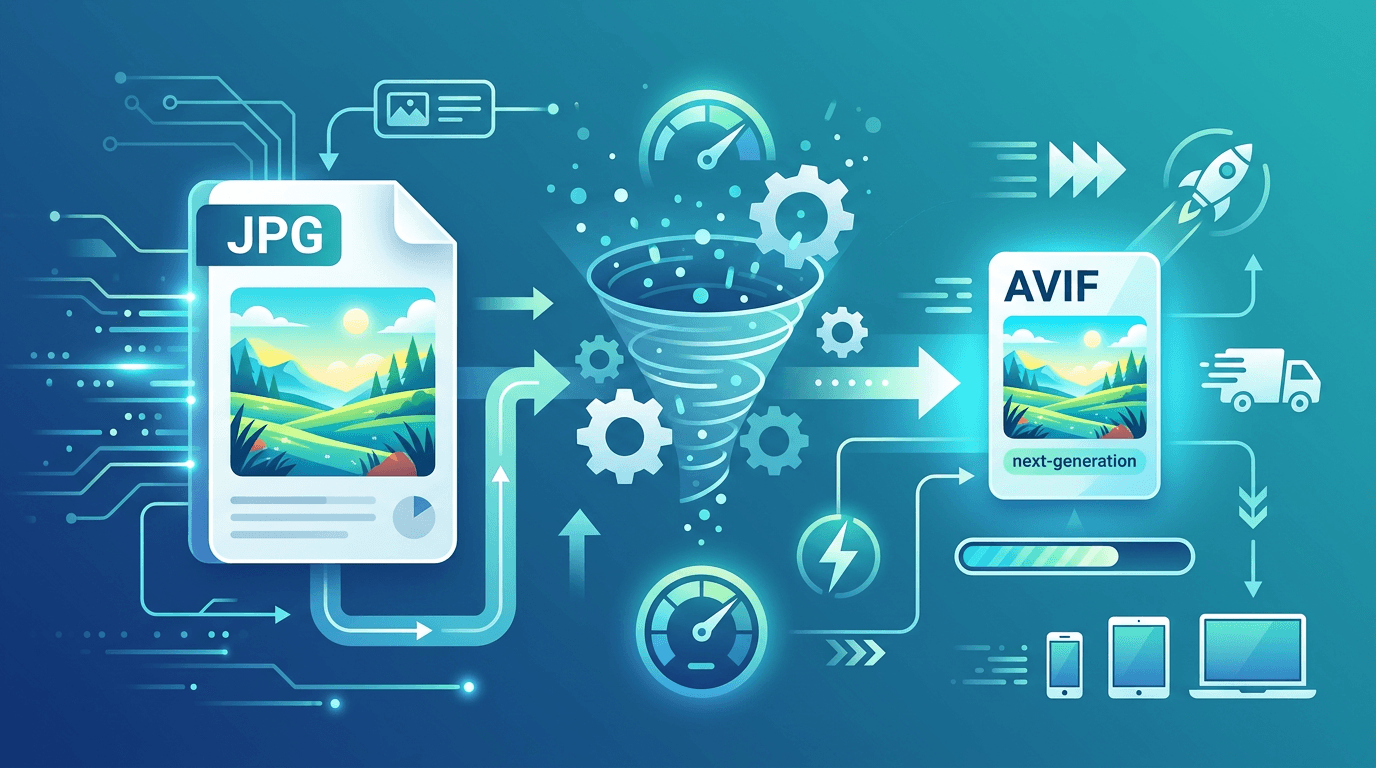
If you're looking to dramatically reduce your image file sizes without sacrificing visual quality, AVIF is the format you've been waiting for. Converting your JPG images to AVIF can cut file sizes by 50% or more while maintaining — or even improving — the visual experience for your website visitors.
This guide explains everything you need to know about AVIF conversion: what the format is, why it matters, and exactly how to do it using our free JPG to AVIF converter.
What Is AVIF Format?

AVIF (AV1 Image File Format) is the newest major image format for the web, developed by the Alliance for Open Media. It leverages the same compression technology as the AV1 video codec, bringing video-level efficiency to still images.
Key characteristics of AVIF:
- Superior compression — achieves 50% smaller files than JPG at equivalent visual quality
- Beats WebP — typically 20% smaller than WebP files
- HDR and wide color gamut — supports more colors than standard RGB
- Transparency support — full alpha channel like PNG
- Modern algorithm — built on AV1 codec technology developed by Google, Mozilla, Cisco, and others
Why Convert JPG to AVIF?
Dramatically Smaller Files
The primary reason to convert to AVIF is file size reduction. A typical 500KB JPG photograph can become a 200-250KB AVIF file with no perceptible difference in quality. On a web page with 20 images, that's potentially 6MB of savings.
Faster Website Loading
Smaller images mean faster page load times. This directly affects:
- Time to First Contentful Paint — users see content faster
- Largest Contentful Paint (LCP) — a Core Web Vitals metric that Google uses for ranking
- Overall page speed — especially important on mobile connections
- Bounce rate — faster pages keep visitors engaged
Better SEO Rankings
Google's ranking algorithm includes page speed as a factor. AVIF adoption is one of the most impactful changes you can make for improving your Core Web Vitals scores, which in turn can improve search rankings.
Reduced Bandwidth Costs
For high-traffic websites, image bandwidth is a significant expense. Converting to AVIF can cut your CDN costs substantially — sometimes by 40-60% for image-heavy pages.
Future-Proof Format
AVIF browser support has grown rapidly. The format is now supported in all major modern browsers, representing approximately 92% of global web traffic.
How to Convert JPG to AVIF Online
Our JPG to AVIF converter makes conversion straightforward in three steps:
Step 1: Upload Your JPG File
Drag and drop your JPG file into the converter, or click to browse and select it. We support JPG and JPEG files of any size. You can upload multiple files for batch conversion.
Step 2: Adjust Quality Settings
Choose your compression preference based on the image's purpose:
- High quality (80-90) — near-lossless, excellent compression, best for hero images and showcase photos
- Balanced (60-80) — optimal size-to-quality ratio, recommended for most web images
- Maximum compression (40-60) — smallest possible file, suitable for thumbnails and background images
Step 3: Download Your AVIF File
Click convert and download your optimized AVIF file. Compare the file size with your original JPG — the savings are often dramatic.
JPG vs AVIF: Real-World Compression Comparison
To understand the practical impact, here's how AVIF performs across different image types:
| Image Type | JPG Size | AVIF Size | Size Reduction |
|---|---|---|---|
| Portrait photo | 450 KB | 180 KB | 60% |
| Landscape scene | 680 KB | 290 KB | 57% |
| Product image | 280 KB | 125 KB | 55% |
| Blog header | 520 KB | 220 KB | 58% |
| Screenshot | 350 KB | 140 KB | 60% |
These are typical results — actual savings vary based on image content and chosen quality level.
AVIF Browser Support in 2026
One concern with newer formats is browser compatibility. Here's where AVIF stands today:
| Browser | Supported Since | Version |
|---|---|---|
| Chrome | 2020 | 85+ |
| Edge | 2020 | 85+ |
| Firefox | 2021 | 93+ |
| Opera | 2020 | 71+ |
| Safari | 2022 | 16+ |
Global coverage: Approximately 92% of users worldwide can display AVIF images.
The 8% that can't are primarily users on older operating systems (iOS 15 and below, older Android) and legacy browsers. Using a <picture> element with fallbacks handles this gracefully.
Implementing AVIF on Your Website
Using the Picture Element (Recommended)
The HTML <picture> element lets you serve AVIF to browsers that support it while automatically falling back to WebP or JPG for older browsers:
<picture>
  <source srcset="image.avif" type="image/avif">
  <source srcset="image.webp" type="image/webp">
  <img src="image.jpg" alt="Product description" loading="lazy">
</picture>
This approach delivers the best experience to every visitor without requiring any JavaScript or browser detection.
Why Include Fallbacks?
- Safari versions 15 and below don't support AVIF
- Some older mobile browsers (particularly on older Android devices)
- Enterprise environments where users may be running outdated browsers
- Users who haven't updated their OS
Having a WebP fallback and then a JPG fallback ensures no visitor sees a broken image.
CSS Background Images
For CSS background images, use the @supports rule:
.hero {
  background-image: url('image.jpg'); /* fallback */
}

@supports (background-image: url('test.avif')) {
  .hero {
    background-image: url('image.avif');
  }
}
Understanding AVIF Quality Settings
AVIF uses a quality scale from 0 to 100, where higher numbers mean better quality:
| Quality Range | Visual Result | File Size | Best Used For |
|---|---|---|---|
| 90–100 | Near-lossless | Large | Print, archival |
| 70–90 | Excellent | Medium | Hero images, portfolios |
| 50–70 | Very good | Small | Product photos, blog images |
| 30–50 | Good | Very small | Thumbnails, previews |
| Below 30 | Visible artifacts | Minimal | Background textures |
Finding Your Optimal Quality Setting
- Start with quality 75 as your baseline
- Compare visually with the original JPG at 100% zoom
- If quality looks good, try stepping down to 65
- Continue until you notice quality degradation
- Use the setting just above that threshold
For most web photography, quality 60-75 delivers an excellent balance of file size and visual fidelity.
Content-Specific Quality Recommendations
| Image Purpose | Recommended Quality | Rationale |
|---|---|---|
| Hero/banner images | 70–80 | High visibility, worth the extra size |
| Product photos | 65–75 | Details matter, but savings are important |
| Blog post images | 60–70 | Supporting content, size matters |
| Thumbnails | 50–60 | Small display, low visibility of artifacts |
| Background images | 50–65 | Partially obscured, can compress more |
AVIF vs WebP vs JPG: Complete Comparison
| Feature | AVIF | WebP | JPG |
|---|---|---|---|
| Compression efficiency | Best | Better | Good |
| File size (same quality) | Smallest | Small | Larger |
| Browser support | ~92% | ~97% | ~100% |
| Encoding speed | Slow | Medium | Fast |
| Transparency | Yes | Yes | No |
| Animation | Yes | Yes | No |
| HDR support | Yes | No | Limited |
Bottom line: AVIF wins on compression and quality. JPG wins on universal compatibility. WebP sits in the middle as a reliable middle ground.
Best Use Cases for AVIF
E-Commerce Websites
Product images are often the largest assets on e-commerce pages. AVIF can:
- Load product pages 30-50% faster
- Show more products above the fold before scroll
- Dramatically improve mobile shopping experience
- Reduce bandwidth costs on high-traffic product pages
Photo Galleries and Portfolios
- Store the same number of full-resolution images in less space
- Enable faster gallery loading without compromising on quality
- Allow visitors to see more images before hitting bandwidth limits
News and Media Sites
- Faster article page loads directly improve reader retention
- Lower CDN costs when serving thousands of articles
- Better Core Web Vitals scores improve organic search traffic
Mobile-First Applications
- Critical for users on 3G/4G connections with data caps
- Reduced data usage builds goodwill with users
- Faster Time to Interactive improves app-like experiences
Batch Converting Multiple JPGs to AVIF
If you have a large number of images to convert, our batch conversion feature saves significant time:
- Upload all JPG files at once (or drag an entire folder)
- Set a quality level for the entire batch
- Process all images simultaneously
- Download all converted files as a single ZIP archive
This is particularly useful for:
- Website migrations (converting all existing images at once)
- Photo gallery optimization
- Preparing assets for CDN deployment
AVIF Limitations to Be Aware Of
Encoding Speed
AVIF's advanced compression algorithm is computationally intensive. Encoding a complex image can take 2-5 seconds versus milliseconds for JPG. Our converter handles this server-side efficiently, but it's worth knowing for your own workflow.
Software Compatibility
Not all image editing software supports AVIF yet:
- Adobe Photoshop: Supported from version 23.2 (2022)
- GIMP: Supported from version 2.10
- Affinity Photo: Supported from version 1.9.3
- Windows Photos: Requires AVIF codec extension
Practical tip: Always keep your original JPG files for editing purposes. Use AVIF exclusively for web delivery.
Older OS Limitations
AVIF requires a relatively modern operating system. iOS users on iOS 15 or earlier and some Android users on very old devices may not be able to display AVIF images. Always implement fallbacks.
CDN and AVIF Delivery
If you use a CDN for image delivery, many modern CDNs can handle AVIF serving automatically:
- Cloudflare: Polish feature converts and serves optimal formats
- Cloudinary: Automatic format delivery (
f_autoparameter) - imgix: Automatic format detection and conversion
- Fastly: Image Optimizer with AVIF support
Check whether your CDN handles AVIF conversion automatically — if it does, you may not need to manually convert images at all.
Frequently Asked Questions
Is AVIF quality as good as JPG?
Yes, and often better. AVIF achieves the same visual quality as JPG with significantly smaller files. At equivalent quality settings, most people cannot tell the difference between AVIF and a high-quality JPG.
Will AVIF replace JPG?
Gradually, yes. AVIF browser support has grown rapidly and now covers the vast majority of users. Over the next few years, AVIF and WebP will likely become the primary formats for web images, with JPG retained for legacy compatibility.
Why is AVIF encoding slower than JPG?
AVIF uses the AV1 codec's advanced compression algorithms, which are significantly more computationally complex than JPG's older DCT-based compression. The extra processing time results in much smaller files — this is the fundamental trade-off with AVIF.
Can I convert back from AVIF to JPG?
You can, but it's not recommended. Every conversion between lossy formats compounds quality loss. Keep your original JPG files as masters and convert to AVIF only for web delivery.
Is my image data secure during conversion?
All processing happens in your browser or on secure servers, and your images are never retained after conversion. No account or registration is required.
What happens if a user's browser doesn't support AVIF?
If you've implemented proper fallbacks using the <picture> element, their browser automatically uses the WebP or JPG version. They never see a broken image.
Should I use AVIF for all images on my website?
It's a good choice for most web images, especially photographs. For vector graphics and icons, SVG remains better. For images that need to be edited frequently, keep working in JPG or PNG and only convert to AVIF for final web output.
Summary
Converting JPG to AVIF delivers the best image compression available today. With 50%+ file size reduction and no visible quality loss, AVIF is the smart choice for anyone serious about web performance.
Start by converting your most important or most-frequently-loaded images first. The performance improvements are immediate and measurable — reduced page load times, better Core Web Vitals scores, and lower bandwidth costs.
Start Converting JPG to AVIF for Free →
Related tools: AVIF to JPG | PNG to AVIF | Image Compressor