
How to Invert Image Colors - Create Negative Photo Effects
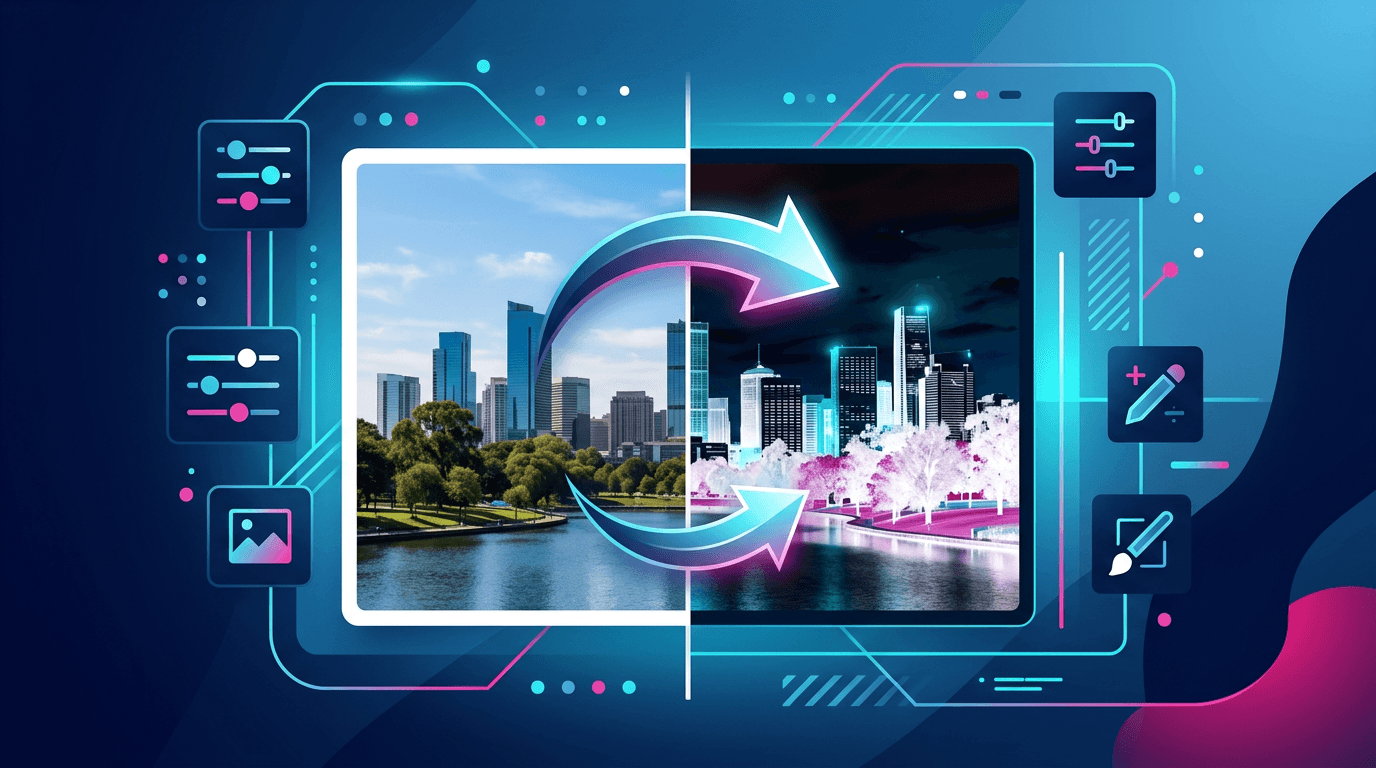
Color inversion creates a negative effect by reversing all colors in an image. This technique has both creative and practical applications. Learn how to invert colors effectively.
What Is Color Inversion?
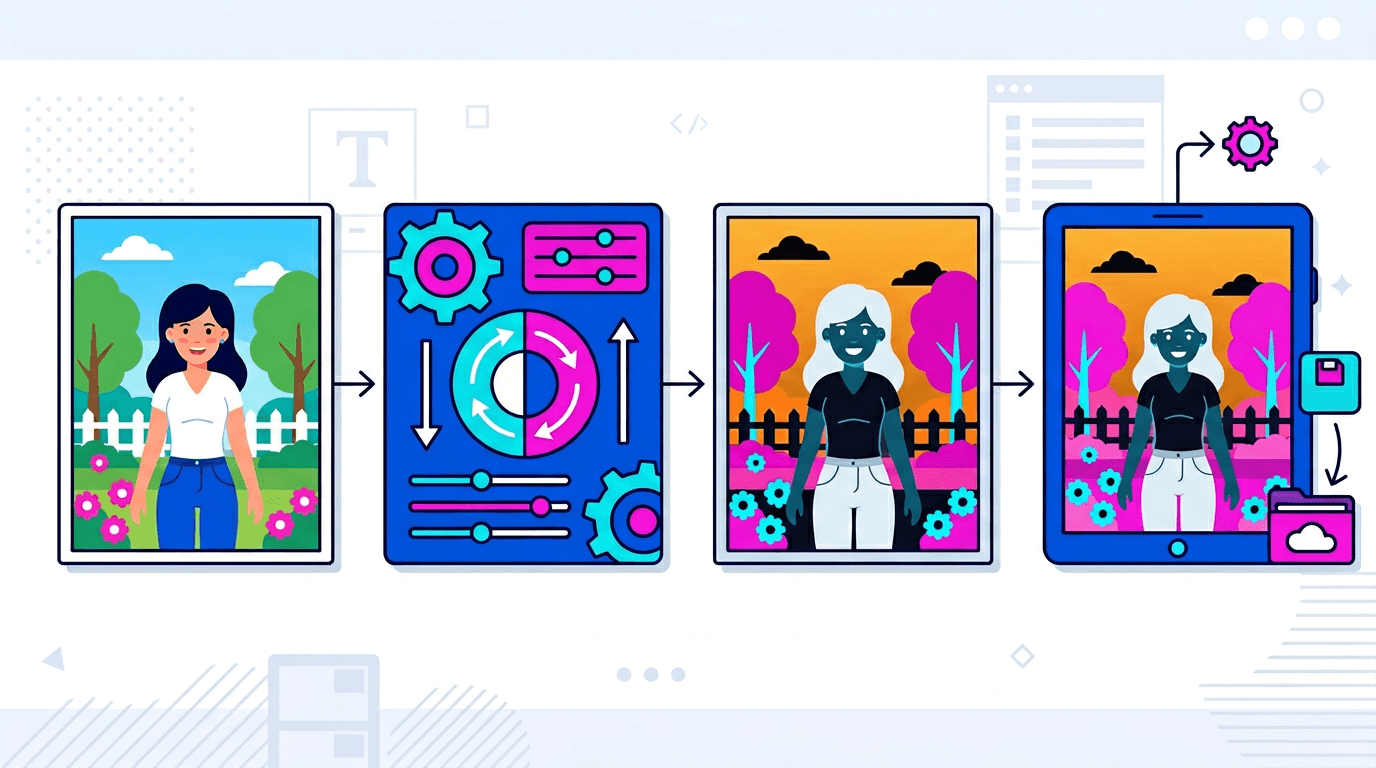
The Process
Inversion replaces each color with its opposite:
- Black → White
- Red → Cyan
- Blue → Yellow
- Green → Magenta
Mathematical Basis
For each color channel (0–255):
- New value = 255 − Original value
- Full inversion
- Predictable results
How to Invert Colors
Using Our Tool
- Visit the Color Inversion Tool
- Upload your image
- Apply the inversion
- Preview the result
- Download the inverted image
Quick Process
Instant inversion:
- One-click operation
- Real-time preview
- No quality loss
- Ready to download
Color Conversion Examples
Color Mapping
| Original | Inverted |
|---|---|
| Black (#000000) | White (#FFFFFF) |
| White (#FFFFFF) | Black (#000000) |
| Red (#FF0000) | Cyan (#00FFFF) |
| Blue (#0000FF) | Yellow (#FFFF00) |
| Green (#00FF00) | Magenta (#FF00FF) |
Visual Impact
Inverted images:
- Create an entirely different feel
- Produce contrasting moods
- Mimic a film negative look
- Achieve a surreal appearance
Creative Uses
Artistic Effects
Creative work:
- Surreal photography
- Album covers
- Poster design
- Digital art
Film Negative Look
Create retro effects:
- Simulate film negatives
- Nostalgic feel
- Vintage aesthetics
- Photography projects
Design Elements
Graphic design:
- Inverted logos
- Contrasting variants
- Alternative versions
- Dark mode assets
Practical Applications
Accessibility
Visibility improvements:
- High-contrast mode
- Dark backgrounds
- Readability enhancements
- Visual aids
Document Processing
Scanning:
- White text on dark backgrounds
- Inverted diagrams
- Technical drawings
- Blueprint effects
Analysis
Inspection:
- Reveal hidden details
- Contrast enhancement
- Medical imaging
- Scientific analysis
Handling Different Content
Photos
Photo inversion:
- Dramatic transformation
- All tones reversed
- Skin tones become unusual
- Landscape transformation
Graphics and Logos
Design elements:
- Black logo → White logo
- Create alternative versions
- Theme variants
- Brand assets
Text Documents
Document inversion:
- Black text → White text
- White background → Black
- Readability changes
- Style variants
Quality Considerations
Lossless Process
Color inversion is lossless:
- No quality degradation
- Pixel-perfect inversion
- Fully reversible
- No artifacts
Reversibility
Inverting twice:
- Returns to the original
- Perfect recovery
- No cumulative loss
Format Compatibility
Supported Formats
Works with:
- JPG – Photos
- PNG – Graphics (preserves transparency)
- WebP – Modern format
- GIF – Animations
Transparency Handling
PNG:
- Alpha channel preserved
- Only RGB values inverted
- Transparency unchanged
- Background maintained
Batch Processing
Multiple Images
For many images:
- Upload a batch
- Apply inversion to all
- Preview samples
- Download everything
Consistent Results
Batch processing ensures:
- Identical treatment
- Fast processing
- Uniform output
Creative Techniques
Partial Inversion
Advanced techniques:
- Invert specific regions
- Selective effects
- Creative combinations
Combined Effects
Layer with other effects:
- Inversion + Contrast
- Inversion + Filters
- Multi-step editing
Common Issues
Colors Look Wrong
Expected: That is exactly what inversion does.
If unexpected: Check that you are using the correct tool.
Image Quality Changed
Cause: Format conversion.
Solution: Use an appropriate output format.
Transparency Lost
Cause: Saving as JPG.
Solution: Use PNG for transparency.
FAQ
Is color inversion reversible?
Yes. Inverting twice returns the original image.
Does inversion affect quality?
No. It is a lossless mathematical transformation.
Can I invert only part of an image?
With advanced tools, yes. Basic inversion affects the entire image.
What happens to transparent areas?
Transparency is preserved; only colors are inverted.
Why would I invert colors?
For creative effects, accessibility, document processing, and analysis.
Summary
Color inversion is a simple yet powerful effect that transforms images by reversing all colors. Use it for creative projects, accessibility improvements, or practical applications.
Invert your images with our Color Inversion Tool.
Related tools: Photo Effects | Image Cropper | Image Rotator