
How to Extract Text from Image - Complete OCR Guide
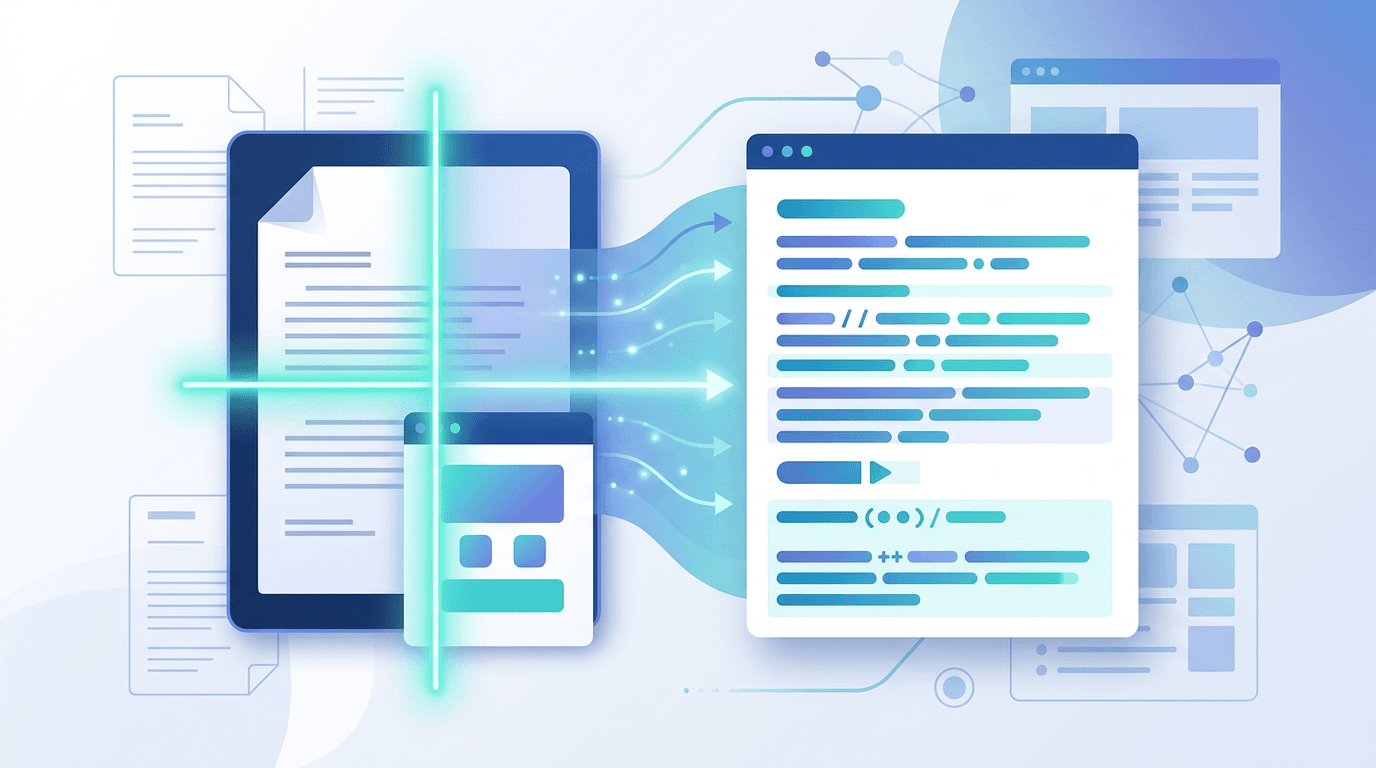
Extracting text from images has never been easier with modern OCR (Optical Character Recognition) technology. This comprehensive guide shows you how to convert any image containing text into editable, copyable text.
What is Text Extraction?
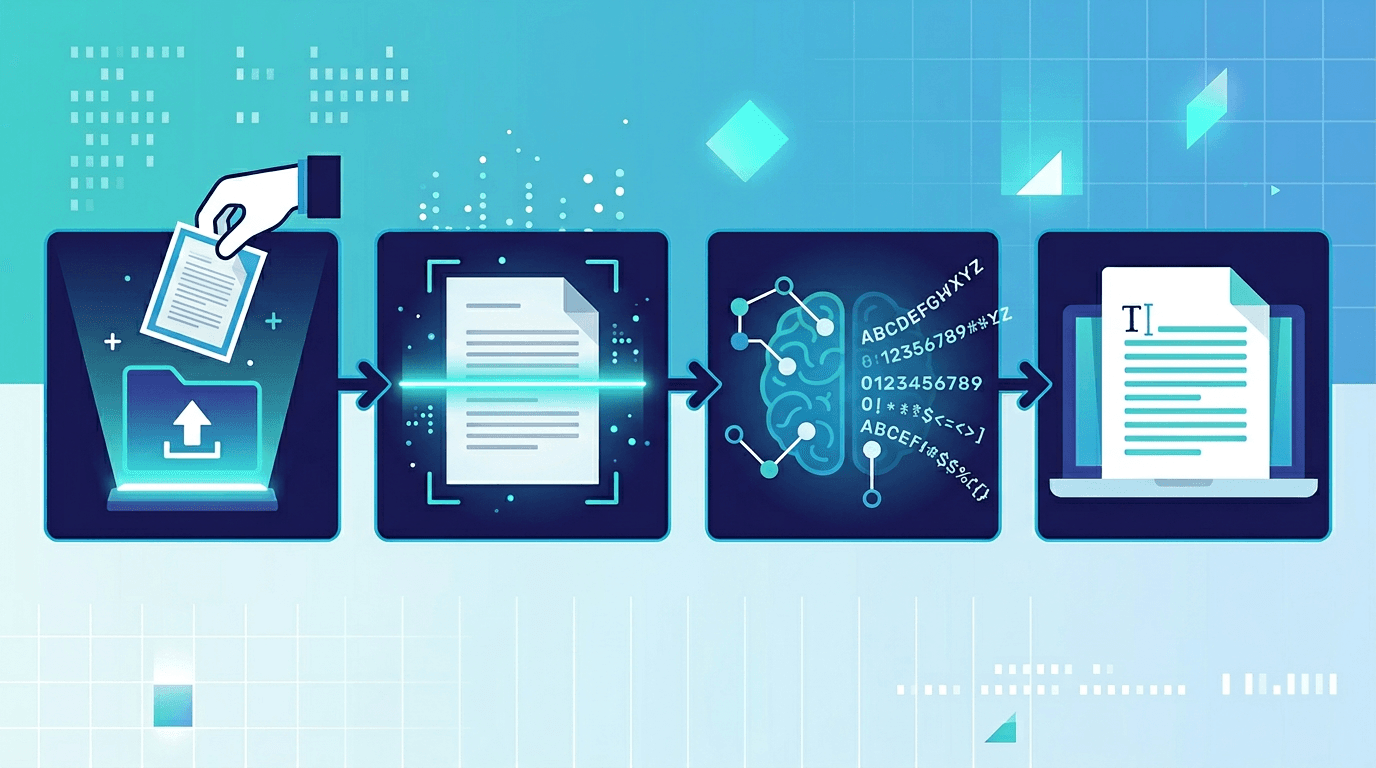
Text extraction, powered by OCR technology, analyzes images to identify and convert text characters into digital text. It works on:
- Photos - Pictures taken with phones or cameras
- Screenshots - Screen captures from any device
- Scanned Documents - Digitized paper documents
- PDFs - Document files containing images
How to Extract Text from Image Online
Use our free Image to Text converter with these simple steps:
Step 1: Upload Your Image
Visit our Image to Text tool and upload your image. We support JPG, PNG, WebP, GIF, and more.
Step 2: Wait for Processing
Our OCR engine analyzes your image and identifies all text content. Processing takes just seconds.
Step 3: Copy or Download Text
Copy the extracted text directly or download it as a text file. Edit, share, or use it anywhere.
Supported Image Types
| Format | Support | Best For |
|---|---|---|
| JPG/JPEG | ✅ Full | Photos, documents |
| PNG | ✅ Full | Screenshots, graphics |
| WebP | ✅ Full | Web images |
| GIF | ✅ Full | Single frame images |
| BMP | ✅ Full | Windows screenshots |
| TIFF | ✅ Full | Scanned documents |
Tips for Best Results
Image Quality
Higher resolution images produce better results. Avoid blurry or low-quality photos.
Lighting
Well-lit images with even lighting extract more accurately than dark or shadowy photos.
Contrast
High contrast between text and background improves recognition. Black text on white works best.
Orientation
Correctly oriented images (upright text) perform better than rotated content.
Language
Our OCR supports multiple languages including English, Chinese, Japanese, Korean, and more.
Common Use Cases
Digitize Printed Documents
Convert paper documents, books, or magazines into editable digital text.
Extract Data from Images
Pull text from charts, infographics, or presentations.
Copy Text from Screenshots
Extract error messages, code snippets, or any text from screen captures.
Convert Handwritten Notes
Turn handwritten notes into typed text (works best with clear handwriting).
Process Business Cards
Extract contact information from business card photos.
OCR Accuracy Factors
| Factor | Impact | Improvement |
|---|---|---|
| Image Quality | High | Use clear, sharp images |
| Font Type | Medium | Standard fonts work best |
| Background | High | Plain backgrounds help |
| Noise | Medium | Clean, mark-free images |
| Skew | Low-Medium | Straighten before upload |
Frequently Asked Questions
Is the text extraction free?
Yes, our Image to Text converter is completely free with no limits.
What languages are supported?
We support English, Chinese, Japanese, Korean, Spanish, French, German, and many more.
Can I extract text from handwriting?
Yes, but accuracy depends on handwriting clarity. Neat handwriting works best.
Is my image stored on your servers?
No, all processing happens in your browser. Your images remain private.
How accurate is the extraction?
For clear, printed text, accuracy is typically 95-99%. Handwriting and low-quality images may have lower accuracy.
Can I extract text from PDFs?
Yes, upload your PDF and we'll extract text from any images or scanned pages.
Privacy and Security
Your images are processed locally in your browser:
- ✅ No upload to servers
- ✅ No data retention
- ✅ Complete privacy
- ✅ Works offline (after initial load)
Conclusion
Extracting text from images is quick and easy with our free OCR tool. Convert photos, screenshots, and documents to editable text in seconds.
Related tools: PDF to Text | Image Resizer | Image Compression