
How to Convert WebP to JPG - Complete Guide
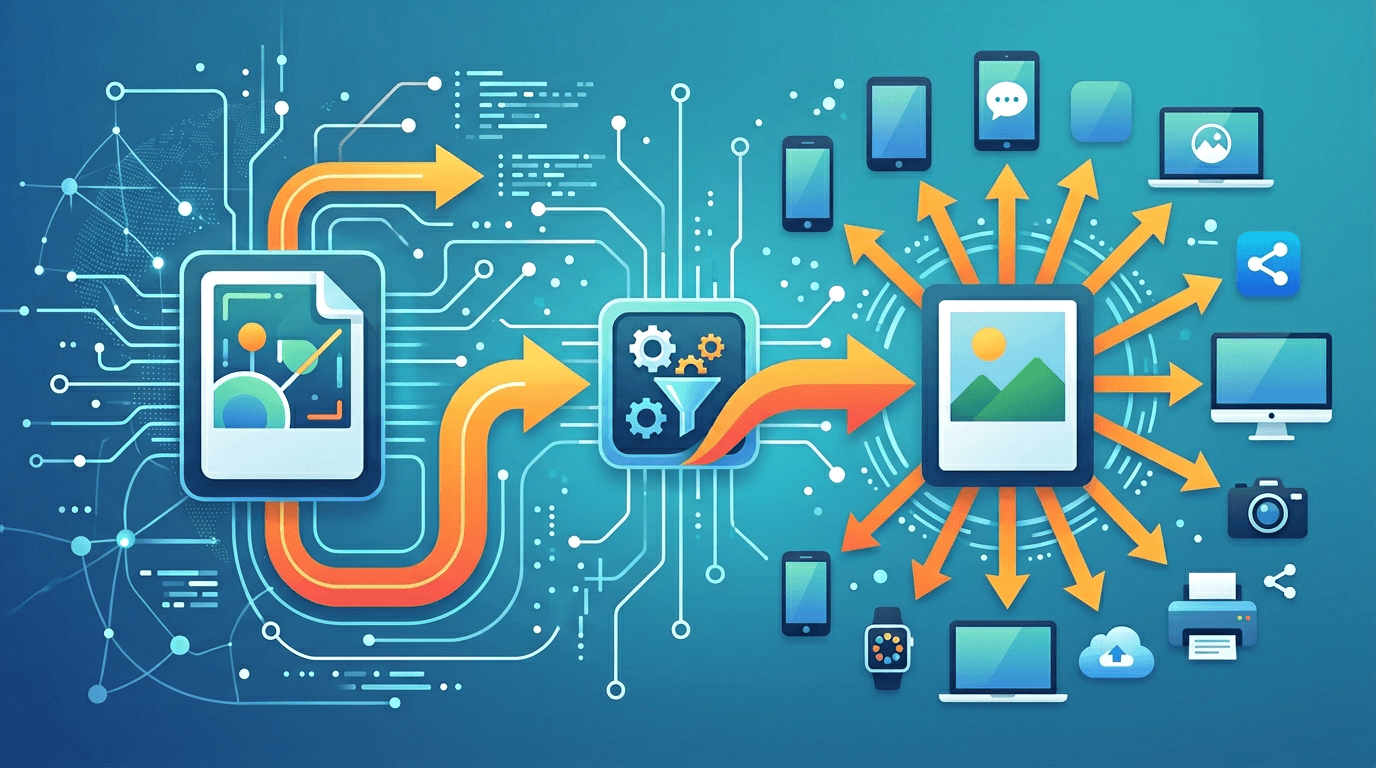
While WebP is great for web delivery, sometimes you need JPG for compatibility. This guide shows you how to convert WebP to JPG when you need universal format support.
Why Convert WebP to JPG?
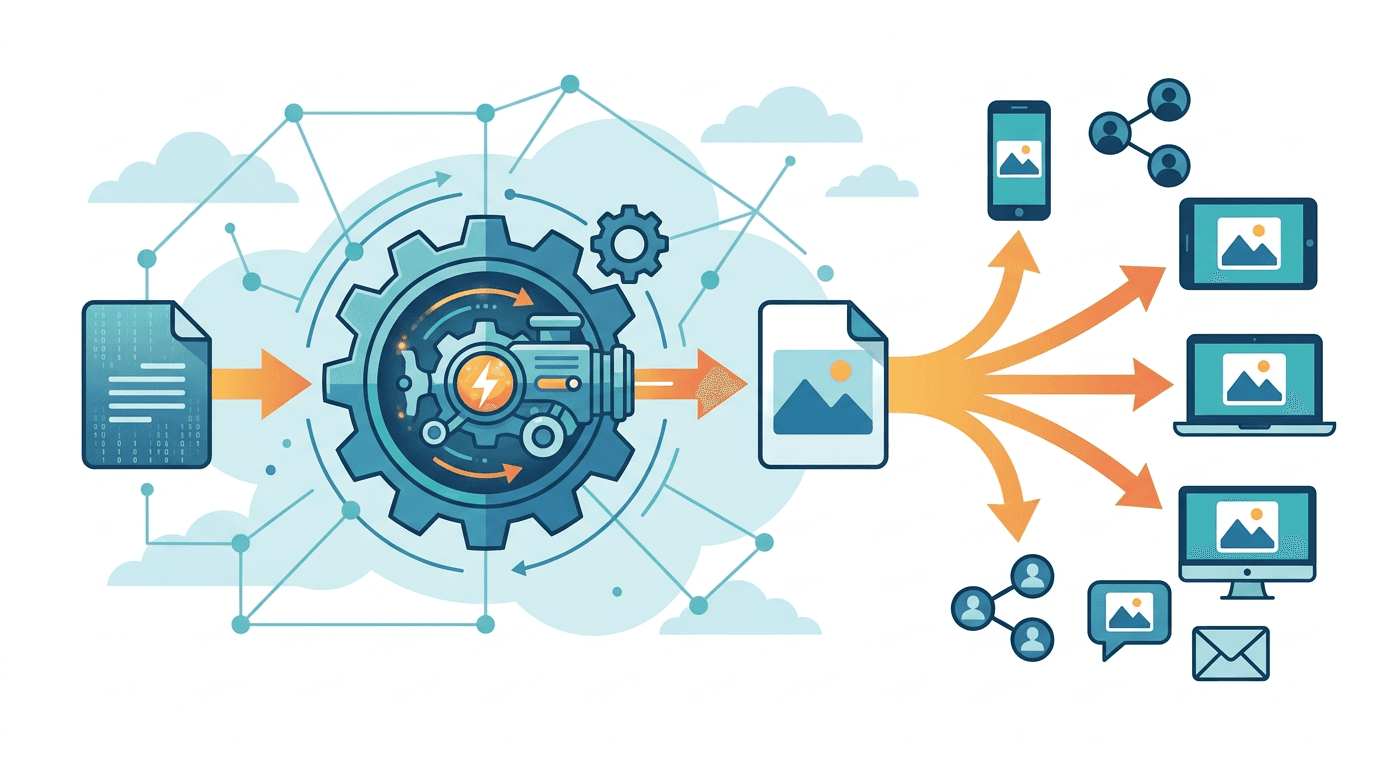
Compatibility Needs
JPG is needed for:
- Email attachments
- Older software
- Print workflows
- Social media (some platforms)
- Document embedding
- Legacy systems
Universal Support
| Context | WebP | JPG |
|---|---|---|
| Modern browsers | Yes | Yes |
| Email clients | Limited | Full |
| Print software | Limited | Full |
| Image editors | Growing | Full |
| Social media | Mixed | Full |
How to Convert
Using Our Converter
- Visit our WebP to JPG converter
- Upload your WebP file(s)
- Choose quality setting
- Download JPG file
Quality Settings
| Setting | Use Case | Size |
|---|---|---|
| 90-100 | Archival | Larger |
| 80-85 | General use | Medium |
| 70-75 | Web/email | Smaller |
Understanding the Conversion
What Changes
- Format: WebP → JPG
- Transparency: Lost (becomes solid)
- File size: Usually increases
- Compression: May change
What's Preserved
- Image content
- Resolution
- Color information
What's Lost
- Transparency (if any)
- WebP efficiency
Handling Transparency
WebP with Transparency
If your WebP has transparent areas:
- They become solid color
- Default is white
- Choose your background color
Best Practices
| Original | Background Choice |
|---|---|
| Logo on transparent | White or brand color |
| Product cutout | White (standard) |
| Overlay graphic | Depends on use |
Quality Considerations
Starting Quality
WebP source quality affects results:
- High-quality WebP → Good JPG
- Low-quality WebP → Limited by source
Avoiding Double Compression
When possible:
- Convert from original source
- Avoid WebP → JPG → WebP chains
- Keep quality high
File Size Comparison
Converting typically increases size:
| WebP Size | JPG Size (Q85) | Increase |
|---|---|---|
| 100 KB | 130-150 KB | 30-50% |
| 200 KB | 260-300 KB | 30-50% |
This is expected due to different compression.
Batch Converting
For multiple files:
- Upload all WebP files
- Set uniform quality
- Convert together
- Download as ZIP
Use Case Scenarios
Email Attachments
For email:
- Convert to JPG
- Quality 75-80
- Resize if needed
- Most clients display perfectly
Social Media
Some platforms prefer JPG:
- Convert before uploading
- Quality 85+
- Platform may recompress
For printing:
- Convert to high-quality JPG (90+)
- Or convert to TIFF
- Maintain resolution
Document Embedding
For Word, PowerPoint, etc.:
- JPG ensures compatibility
- Quality 85+ for presentations
- Moderate quality for documents
Common Issues
Quality Loss
Cause: Low quality setting
Solution: Use 85+ for important images
Larger File Size
Expected: JPG is less efficient
Solutions:
- Accept trade-off for compatibility
- Use JPG optimization after
- Consider if JPG is necessary
White Background Appeared
Cause: Transparency converted
Solution: Choose background color before converting
When NOT to Convert
Keep WebP For:
- Modern web delivery
- When size matters
- Supported environments
- Performance focus
Convert to JPG For:
- Universal compatibility
- Email attachments
- Print workflows
- Legacy systems
Alternative Formats
Consider PNG
For transparency needs:
- PNG preserves transparency
- Larger than WebP
- Universal support
Consider AVIF
For modern delivery:
- Even better compression
- Growing support
- Future-focused
Frequently Asked Questions
Will I lose quality converting WebP to JPG?
Minimal loss at high quality settings. The source WebP quality is the limiting factor.
Why is my JPG larger than WebP?
JPG compression is less efficient. This is normal and expected.
What happens to transparency?
Transparent areas become solid color (default white). Choose your preferred background.
What quality should I use?
85 for general use, 90+ for important images, 75-80 for email/web.
Can I convert back to WebP?
Yes, but avoid chains. Each conversion can degrade quality.
Workflow Tips
For Regular Use
- Download WebP images
- Convert as needed for sharing
- Keep WebP for web use
For Archival
- Keep original format
- Convert only when needed
- Use highest quality settings
For Batch Processing
- Organize files by use case
- Set appropriate quality
- Convert in batches
- Verify results
Conclusion
WebP to JPG conversion is straightforward when you need universal compatibility. Use appropriate quality settings and handle transparency properly for best results.
Convert your WebP files with our WebP to JPG converter.
Related tools: JPG to WebP | WebP to PNG | Image Converter