
How to Convert GIF to PNG - Free Online Converter Guide
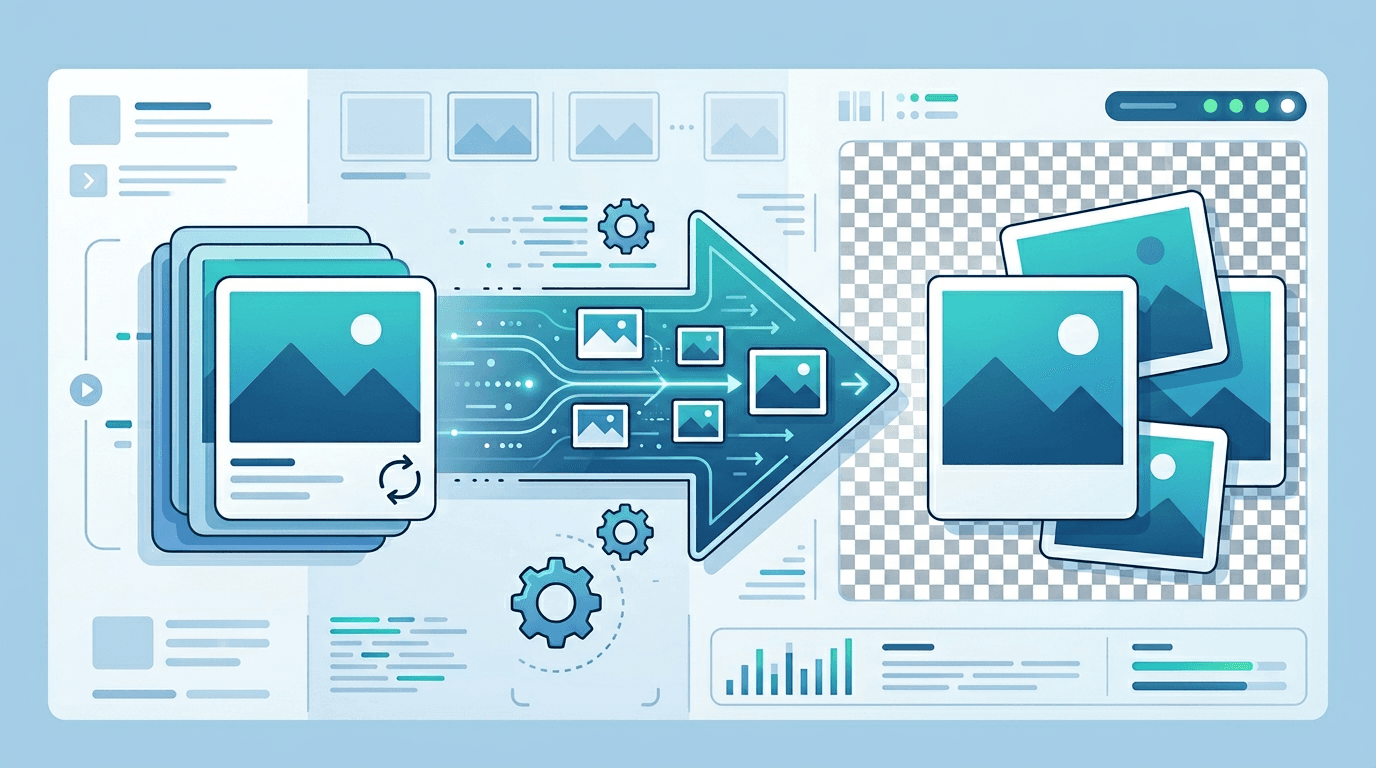
Need to get a still image from a GIF? This guide shows you how to convert GIF to PNG in seconds using our free GIF to PNG converter, with no software installation required.
Why Convert GIF to PNG?
Common reasons to convert:
- Better quality - PNG is lossless, GIF is limited to 256 colors
- Transparency support - PNG has better transparency handling
- Static image needed - Extract a single frame from animated GIF
- Higher color depth - PNG supports millions of colors
- Editing purposes - PNG is easier to edit than GIF
- Print preparation - PNG is better for print quality
How to Convert GIF to PNG Online
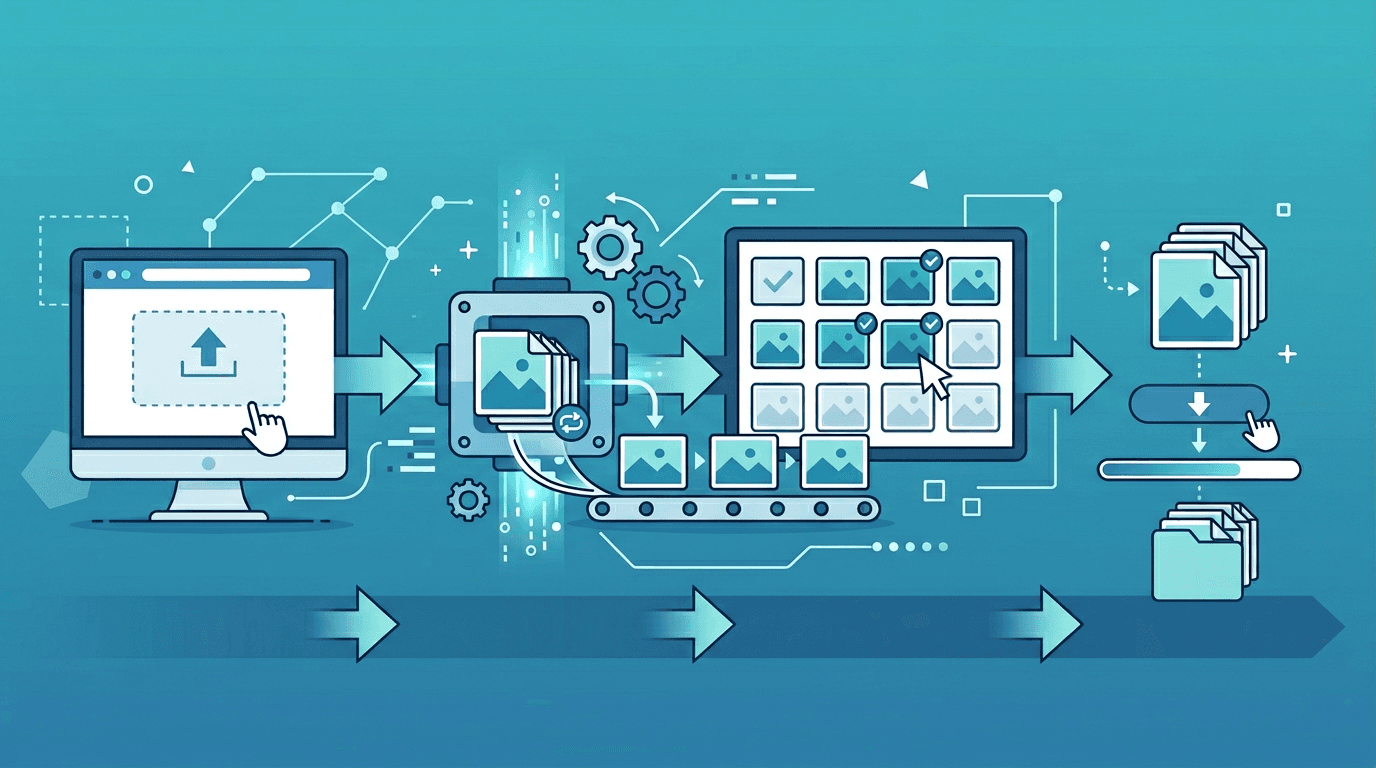
Use our GIF to PNG converter - it takes just 3 steps:
Step 1: Upload Your GIF
Drag and drop your GIF file into the converter, or click to browse. We support both static and animated GIFs.
Step 2: Choose Conversion Options
For animated GIFs:
- First frame - Get just the first frame as PNG
- All frames - Extract every frame as separate PNGs
- Specific frame - Select which frame you want
For static GIFs:
- Direct conversion to PNG
Step 3: Download Your PNG
Click convert and download. For multiple frames, download as a ZIP file.
GIF vs PNG: Understanding the Difference
| Feature | GIF | PNG |
|---|---|---|
| Colors | 256 maximum | 16 million+ |
| Animation | Supported | Not supported |
| Transparency | 1-bit (on/off) | 8-bit (alpha channel) |
| Compression | Lossless | Lossless |
| File Size | Small for simple graphics | Varies by content |
| Best For | Simple animations, icons | Photos, complex graphics |
When to Convert GIF to PNG
For Better Image Quality
GIF's 256-color limit causes:
- Color banding in photos
- Dithering patterns
- Loss of subtle gradients
PNG preserves all colors for higher quality.
For Better Transparency
GIF transparency is binary (fully transparent or fully opaque). PNG supports:
- Partial transparency
- Smooth edges on transparent areas
- Better blending with backgrounds
For Frame Extraction
Need just one frame from an animated GIF?
- Extract the perfect moment
- Create thumbnails
- Make static versions
For Editing
PNG is better supported in image editors:
- Full layer support
- Better mask handling
- No color limitations
Extracting Frames from Animated GIFs
All Frames Method
- Upload animated GIF
- Select "Extract all frames"
- Download ZIP with all frames
- Each frame is numbered sequentially
Specific Frame Method
- Upload animated GIF
- Preview frames
- Select desired frame
- Download as single PNG
First Frame Only
- Upload animated GIF
- Select "First frame"
- Quick conversion to PNG
- Download immediately
Tips for Best Results
Preserve Transparency
- GIF transparent areas become PNG transparent
- Colors are preserved accurately
- No background color added
Handle Animation
Remember that PNG doesn't support animation:
- Choose which frame to keep
- Or extract all frames separately
- Consider APNG for animated PNG (limited support)
Quality Considerations
- PNG files may be larger than GIF
- Color accuracy is improved
- No quality loss during conversion
Common Use Cases
Creating Thumbnails
Extract a representative frame from animated GIFs for:
- Video previews
- Gallery thumbnails
- Social media cards
Improving Image Quality
Convert low-color GIFs to PNG when you need:
- Better color reproduction
- Smoother gradients
- Professional appearance
Graphic Design Work
Get PNG versions for:
- Logo editing
- Icon refinement
- Print materials
Website Optimization
Sometimes PNG is better:
- Static images don't need GIF
- PNG can be smaller for certain content
- Better transparency for overlays
Animated GIF Alternatives
If you need animation but want better quality:
| Format | Pros | Cons |
|---|---|---|
| APNG | Full color, like PNG | Limited browser support |
| WebP | Great compression, animation | Not universal yet |
| Video (MP4) | Best quality, smallest size | Not an image format |
| Lottie | Vector, tiny files | Requires JavaScript |
Batch Converting GIFs
For multiple GIF files:
- Upload all GIFs at once
- Choose conversion settings
- Apply to all files
- Download as ZIP archive
This is useful for:
- Converting icon sets
- Processing multiple animations
- Batch frame extraction
Understanding GIF Limitations
Why GIFs Look "Choppy"
- 256 color palette: Forces color approximation
- No partial transparency: Jagged edges on transparent areas
- Dithering: Dot patterns to simulate colors
When GIF Is Actually Fine
- Simple graphics with few colors
- Line art and logos
- Small icons
- Simple animations
Frequently Asked Questions
Will converting keep the animation?
No. PNG doesn't support animation. You can extract individual frames from animated GIFs, but each frame becomes a separate static PNG.
What happens to transparency?
GIF transparency converts to PNG transparency. PNG actually handles transparency better with its alpha channel support.
Can I convert back to GIF?
Yes, but you'll lose color depth (PNG → GIF means millions of colors → 256 colors). For animated GIFs, you'd need to recombine frames.
Why is my PNG larger than the GIF?
PNG supports more colors, so files can be larger for certain images. GIF's 256-color limit inherently creates smaller files for simple graphics.
How do I convert all frames at once?
Select "Extract all frames" option. You'll get a ZIP file containing every frame as a numbered PNG file.
Is my data safe?
Absolutely. All processing happens in your browser. Your images are never uploaded to our servers.
Conclusion
Converting GIF to PNG online is quick and easy with the right tool. Whether you need better image quality, frame extraction from animations, or transparent images for editing, our free converter handles it in seconds.
No signup, no watermarks, no software to install. Just upload, convert, and download.
Try our free GIF to PNG converter now →
Need other conversions? Check out: PNG to GIF, GIF to JPG, Image Compressor, and more.