
How to Convert AVIF to PNG - Step-by-Step Guide
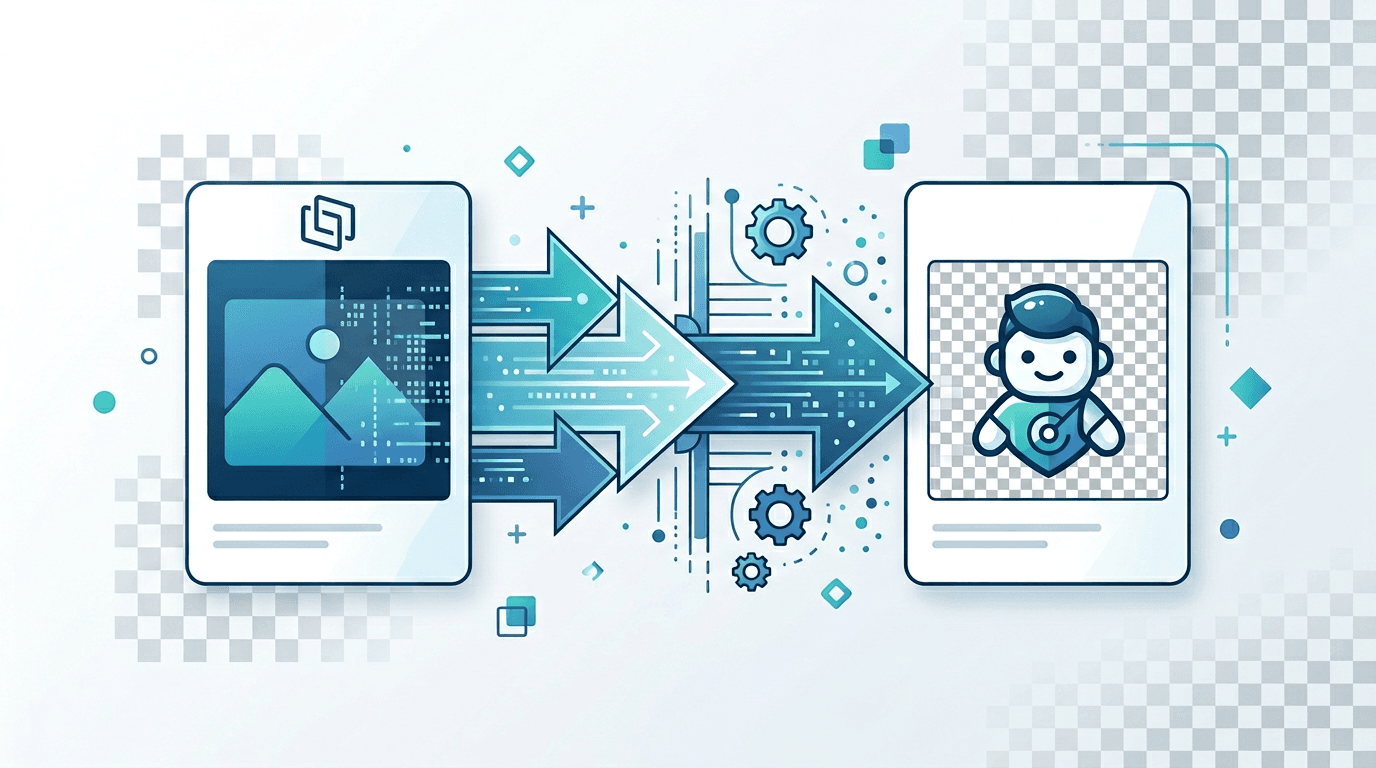
Need to convert AVIF images to PNG? Whether for editing, transparency support, or broader compatibility, PNG is an excellent choice. This guide shows you exactly how to convert AVIF to PNG.
Why Convert AVIF to PNG?
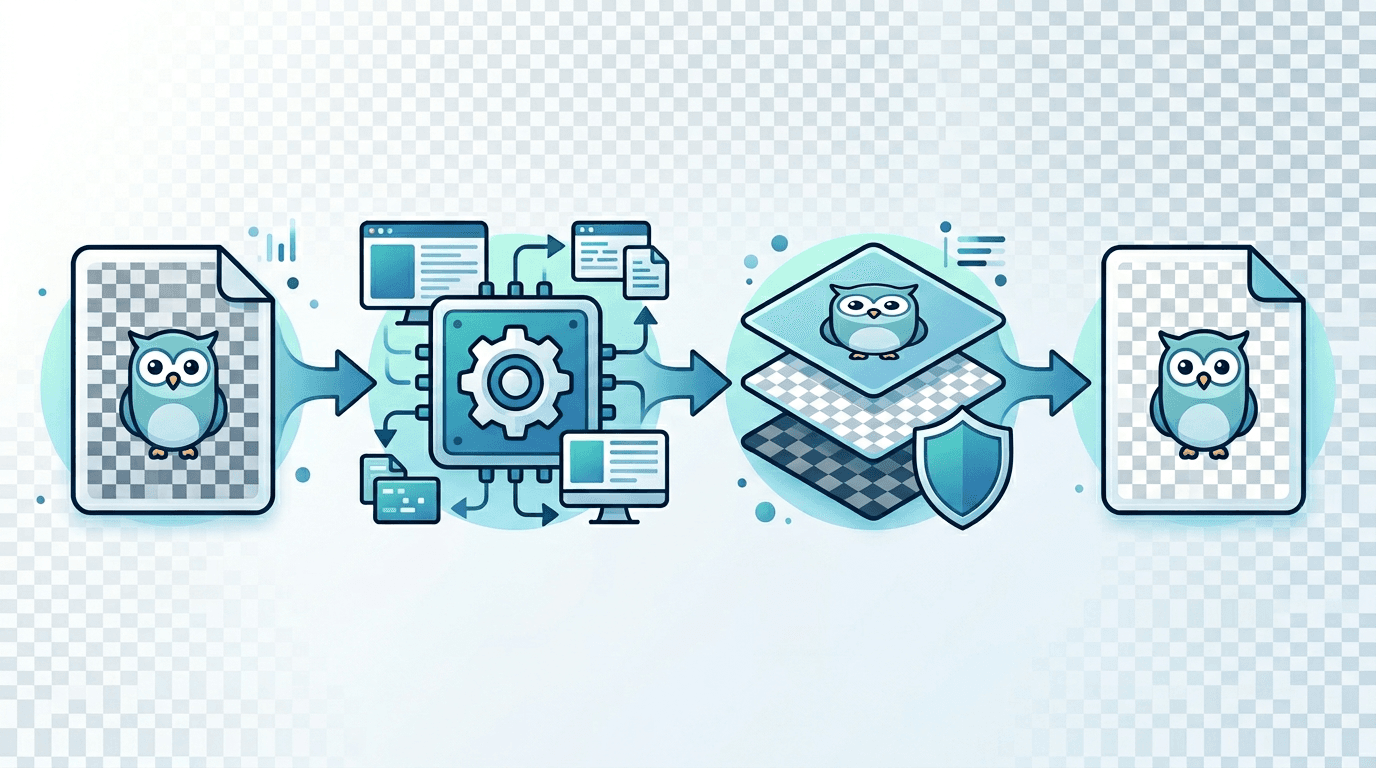
PNG offers several advantages:
| Feature | Benefit |
|---|---|
| Lossless | No quality degradation |
| Transparency | Full alpha channel support |
| Compatibility | Works in all editors |
| Editing | Perfect for post-processing |
Steps to Convert AVIF to PNG
Step 1: Upload Your AVIF
Visit our AVIF to PNG converter:
- Click or drag your AVIF file
- Multiple files can be uploaded at once
- Wait for upload to complete
Step 2: Convert
Conversion is automatic:
- No quality settings needed (lossless)
- Transparency preserved automatically
- Processing takes seconds
Step 3: Download PNG
Get your converted file:
- Download individual files
- Or download all as ZIP
When to Use AVIF to PNG
For Photo Editing
PNG is ideal for:
- Photoshop editing
- GIMP workflows
- Affinity Photo
- Other image editors
For Transparency Needs
If your AVIF has transparency:
- PNG preserves alpha channel
- Perfect edge quality
- Semi-transparency maintained
For Maximum Compatibility
When you need files that work everywhere:
- All operating systems
- All image editors
- All web browsers
Understanding the Conversion
Quality Preservation
| Input AVIF | Output PNG |
|---|---|
| Any quality | Lossless |
| Transparent | Transparent |
| Opaque | Opaque |
PNG captures exactly what was visible in the AVIF.
File Size Changes
PNG is lossless, so files are typically larger:
| AVIF Size | Approximate PNG Size |
|---|---|
| 100 KB | 300-500 KB |
| 500 KB | 1-2 MB |
| 1 MB | 2-4 MB |
This is expected—PNG preserves all detail.
Handling Transparency
If AVIF Has Transparency
Conversion automatically preserves:
- Full alpha channel
- Partial transparency
- Anti-aliased edges
- Soft shadows
Verifying Transparency
After conversion:
- Open PNG in image viewer
- Look for checkered background
- Test on different backgrounds
Best Practices
1. Use High-Quality AVIF Source
For best results:
- Start with quality AVIF
- Conversion can't improve source
- Garbage in, garbage out
2. Batch Convert When Possible
For multiple files:
- Upload all at once
- Save time
- Consistent results
3. Keep Original AVIF
Always preserve source:
- In case reconversion needed
- For web use (smaller size)
- For comparison
4. Verify Output
Check converted PNGs:
- Open and view
- Compare to original
- Test transparency
Common Use Cases
Photo Editing Workflow
- Download AVIF from web
- Convert to PNG
- Edit in Photoshop/GIMP
- Export final format
Design Projects
- Receive AVIF assets
- Convert to PNG
- Use in design software
- Export for delivery
Archive Creation
- Collect AVIF files
- Convert to PNG
- Store lossless copies
- Maximum quality preserved
Troubleshooting
Issue: File Won't Convert
Solutions:
- Verify file is valid AVIF
- Check file isn't corrupted
- Try different browser
Issue: Large File Size
Explanation: PNG is lossless (larger).
Solutions:
- Accept larger size for quality
- Use PNG compression tools
- Consider JPG if transparency not needed
Issue: Transparency Not Working
Solutions:
- Verify source had transparency
- Open PNG in viewer that shows transparency
- Check PNG-24/32 format
Issue: Colors Look Different
Solutions:
- May be color profile issue
- Check viewer color settings
- Compare in same application
Advanced Options
PNG Compression
PNG can be compressed (still lossless):
- Smaller file size
- Same visual quality
- Use optimization tools
Color Depth
PNG supports various depths:
- PNG-8: 256 colors (with transparency)
- PNG-24: Millions of colors
- PNG-32: Millions + alpha channel
Comparison: AVIF vs PNG
| Aspect | AVIF | PNG |
|---|---|---|
| Compression | Better | Worse |
| Quality | Excellent | Lossless |
| Transparency | Yes | Yes |
| Editing support | Limited | Universal |
| File size | Smaller | Larger |
Frequently Asked Questions
Is AVIF to PNG conversion lossless?
Yes. PNG captures exactly what was visible in the AVIF. No additional quality loss occurs.
Will my transparent backgrounds be preserved?
Yes. PNG fully supports alpha channel transparency, including semi-transparent areas.
Why is my PNG file larger than AVIF?
AVIF uses advanced compression. PNG is lossless (no compression artifacts) which results in larger files.
Can I convert animated AVIF to PNG?
Standard PNG doesn't support animation. Use APNG for animated output, or extract individual frames.
Should I convert back to AVIF after editing?
For web use, yes. AVIF provides smaller files. For archival, keep PNG for lossless quality.
Conclusion
Converting AVIF to PNG provides lossless files perfect for editing and maximum compatibility. Use our converter for quick, quality-preserving results.
Related tools: AVIF to JPG | PNG to AVIF | Image Compressor