
GIF vs WebP Animation - Which Format Should You Choose?
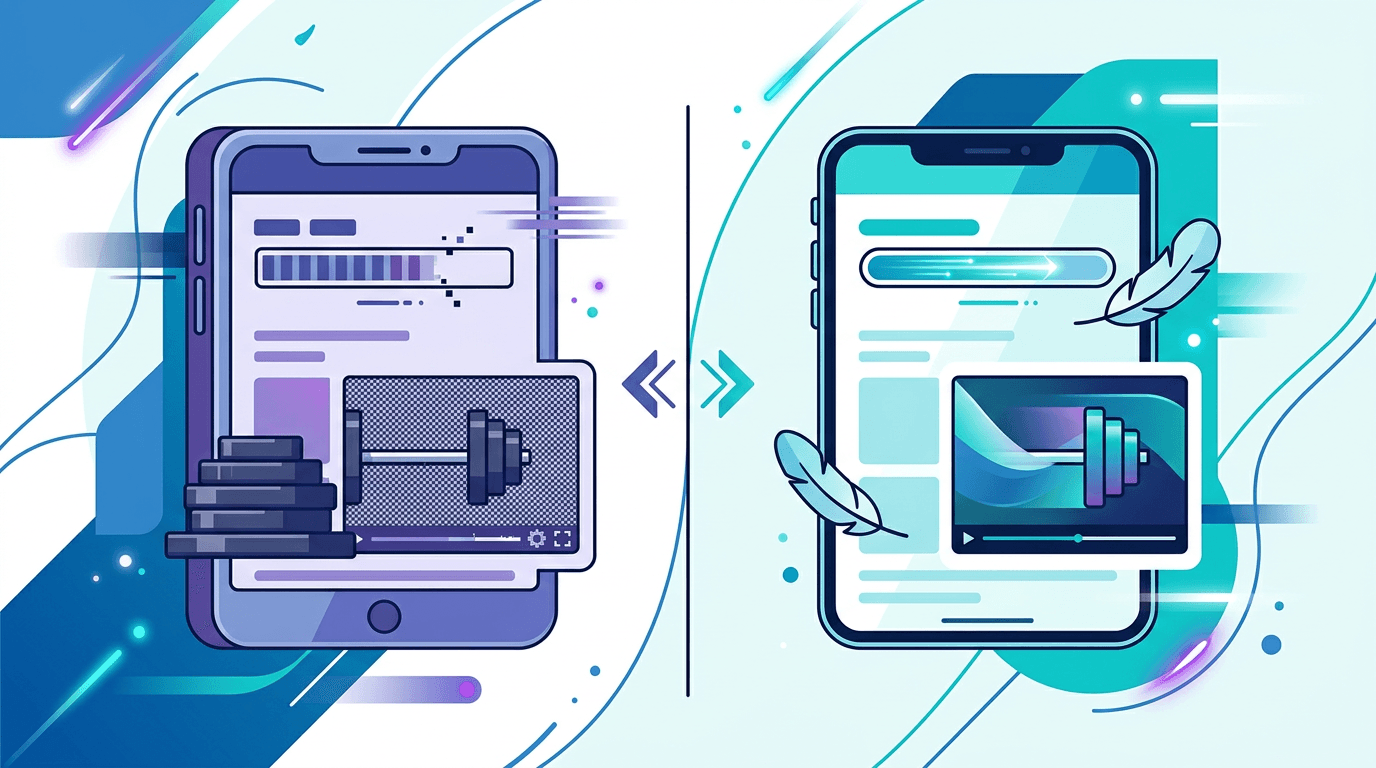
Choosing between GIF and WebP for animations affects website performance, image quality, and user experience in ways that go beyond just file format. This comprehensive comparison cuts through the technical details to help you make the right choice for each situation.
Quick Comparison Overview
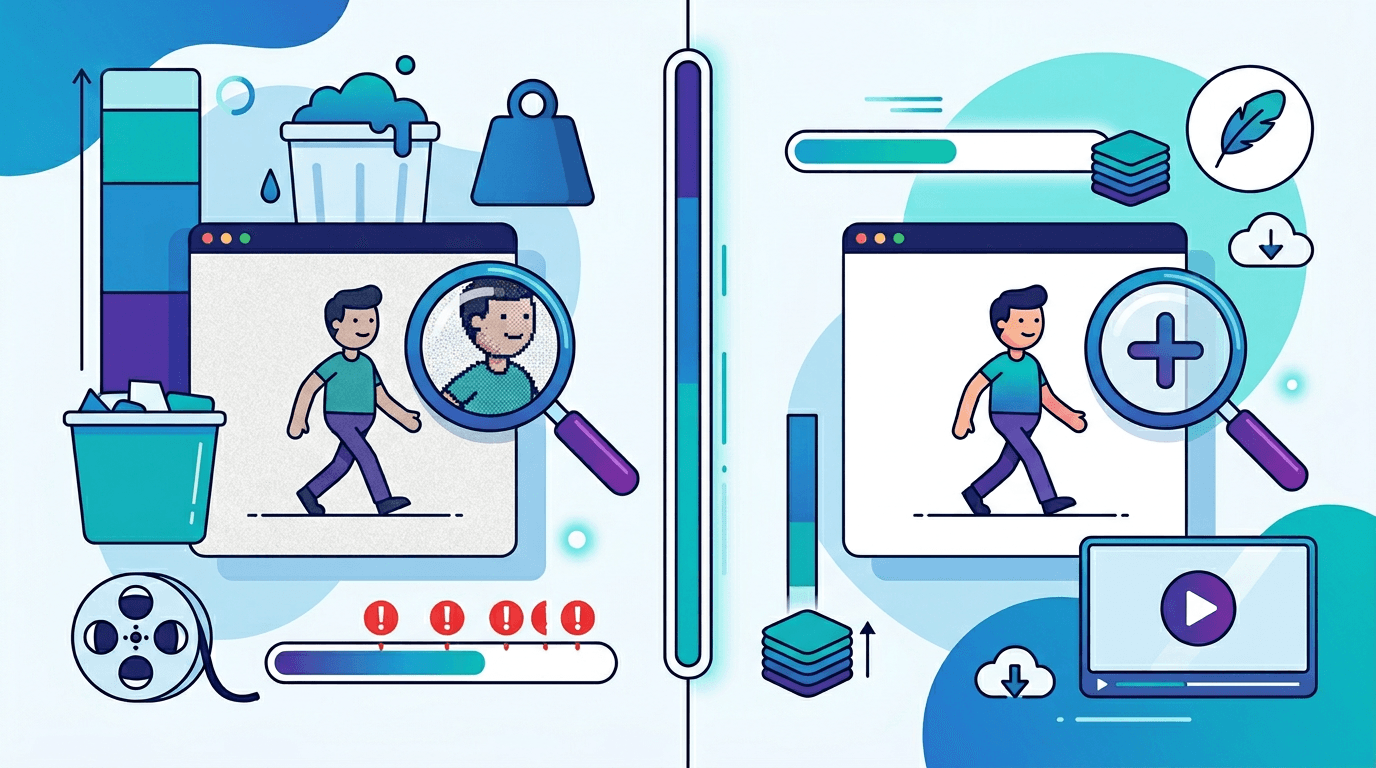
| Feature | GIF | Animated WebP |
|---|---|---|
| Introduced | 1987 | 2010 |
| Color depth | 256 colors | 16.7 million colors |
| Transparency | Binary (on/off) | 8-bit alpha (256 levels) |
| File size | Baseline | 50–80% smaller |
| Browser support | 100% | 97%+ |
| Compression | LZW (lossless) | VP8/VP8L |
| Quality | Limited | Excellent |
The numbers tell a clear story: WebP is the technically superior format in almost every measurable way. But that doesn't mean GIF is obsolete — universal compatibility still matters in certain scenarios.
File Size: The Most Important Difference
File size is where WebP's advantage becomes impossible to ignore. Smaller files mean faster load times, lower bandwidth costs, and better user experience.
| Animation Type | GIF Size | WebP Size | Reduction |
|---|---|---|---|
| Simple icon loop | 50 KB | 12 KB | 76% |
| UI animation | 200 KB | 45 KB | 78% |
| Screen recording | 2 MB | 400 KB | 80% |
| Photo slideshow | 3 MB | 550 KB | 82% |
These aren't edge cases — they're typical real-world results. On a page with several animations, switching from GIF to WebP can reduce total page weight by several megabytes.
Image Quality: Where GIF Shows Its Age
The 256-color limit was a reasonable constraint in 1987, but it creates visible quality problems with modern content.
Color Reproduction
GIF limitations:
- Hard cap of 256 colors per frame
- Gradients require dithering (visible dot patterns)
- Color banding visible in photographs and smooth gradients
- Works well for simple graphics with flat colors
WebP advantages:
- Full 24-bit color (16.7 million colors)
- Smooth gradients without any dithering
- Photo-quality color reproduction
- Works excellently for all content types — graphics, photos, and everything in between
Transparency Quality
Transparency handling is another area where GIF shows its limitations.
GIF transparency:
- Binary only — each pixel is either fully transparent or fully opaque
- Curved edges appear jagged (aliasing)
- Creates "halo effect" on different backgrounds — the edge pixels retain the color they were created against
WebP transparency:
- Full 8-bit alpha channel (256 levels of transparency)
- Smooth semi-transparent edges with proper anti-aliasing
- Composites cleanly on any background without halos
- Enables true drop shadows, glows, and smooth fades
Browser Support: The Key Consideration
GIF Support
- Coverage: 100% of all browsers and email clients
- Supported since the early days of the web
- Works in email clients, older mobile browsers, and every modern browser without exceptions
WebP Animated Support
- Coverage: 97%+ of browsers worldwide
- Chrome: Since version 32 (2014)
- Firefox: Since version 65 (2019)
- Safari: Since version 14 (2020)
- Edge: Since version 18 (2018)
The 3% gap represents users on very old browser versions or unsupported environments. For most websites, this is an acceptable trade-off given WebP's significant advantages. For email marketing, however, WebP support is still poor — most email clients don't render animated WebP, making GIF the only viable option for email animations.
Performance Impact on Web Pages
Page Load Speed
File size directly translates to load time, and the difference is substantial:
| Metric | 500KB GIF | 100KB WebP |
|---|---|---|
| Load time (3G) | 4.2 seconds | 0.8 seconds |
| Load time (4G) | 1.1 seconds | 0.2 seconds |
| Bandwidth used | 500 KB | 100 KB |
On mobile connections — which still represent a significant portion of web traffic — this difference directly impacts whether users stay on the page or leave.
Core Web Vitals
Google's Core Web Vitals metrics are directly affected by animation file sizes:
- LCP (Largest Contentful Paint) — WebP animations load faster, improving LCP scores
- CLS (Cumulative Layout Shift) — Faster loading means images appear before the page layout shifts
- INP (Interaction to Next Paint) — Smaller files require less CPU processing, improving responsiveness
Better Core Web Vitals scores translate to higher Google search rankings, making the switch from GIF to WebP a legitimate SEO improvement.
When to Use Each Format
Choose GIF When:
Email newsletters and campaigns Email clients remain the primary holdout for GIF. Clients like Outlook, Apple Mail, and Gmail either don't support WebP at all or don't animate it reliably. If your animation needs to work in email, use GIF.
Legacy system compatibility If you're building for internal business systems, intranets, or platforms where you can't control the viewing environment, GIF's 100% compatibility makes it the safer choice.
Very simple animations Simple loading spinners, basic icon animations, and two-color logo animations are cases where GIF's limitations don't cause visible quality problems. The quality difference compared to WebP is minimal when working with flat colors.
Universal sharing When you don't know where a file will end up — shared on platforms of unknown capability, embedded in documents, or distributed in contexts where format support is uncertain — GIF's universality is valuable.
Choose WebP When:
Website and web app content For any modern website with controlled browser support, WebP animated is the right choice. The performance, quality, and SEO benefits are clear.
Mobile applications Both iOS and Android support animated WebP. The smaller file size is particularly valuable on mobile where bandwidth and storage matter more.
Social media content Most major social platforms transcode uploaded media anyway, but starting with WebP means less quality loss during the transcoding process.
Any content with photos or smooth gradients If your animation includes real photographic content or smooth color transitions, GIF's 256-color limit will create visible quality problems. WebP handles these without compromise.
Creating Optimized Animations
Optimizing GIF (When You Must Use It)
If GIF is required for your use case:
- Reduce the color palette to as few as needed (64–128 colors is often enough for simple graphics)
- Limit dimensions — only as large as necessary for the display context
- Keep frame rate low (10–15 FPS is usually sufficient)
- Remove redundant frames where nothing changes
- Use an optimizer tool like Gifsicle after creation
Optimizing WebP for Best Results
- Use lossy compression at quality 75–85 for a good balance of size and quality
- Match the export dimensions to the display dimensions (don't export larger than needed)
- For web use, 12–15 FPS is usually sufficient
- Enable all optimization options in your conversion tool
- Test on actual target devices, especially lower-end mobile
Converting Between Formats
GIF to WebP
Use our GIF to WebP Converter to modernize existing GIF assets:
- Reduces file size by 50–80%
- Improves color quality automatically
- Preserves animation timing and loop settings
WebP to GIF
Convert back to GIF when needed for:
- Email newsletter compatibility
- Legacy system support
- Platforms where WebP support is unknown
Implementation Best Practices
Serve Both Formats with Progressive Enhancement
The best approach for websites with mixed user bases is to serve WebP to browsers that support it, with GIF as a fallback:
<picture>
  <source srcset="animation.webp" type="image/webp">
  <img src="animation.gif" alt="Animation description">
</picture>
This gives modern browsers the smaller, higher-quality WebP while still showing the animation to users on older browsers.
Lazy Load Off-Screen Animations
Animations that aren't immediately visible don't need to load right away:
<img src="animation.webp" alt="Animation" loading="lazy">
This improves initial page load time significantly when there are multiple animations on a page.
Preload Critical Above-the-Fold Animations
For animations that are immediately visible when the page loads:
<link rel="preload" as="image" href="hero-animation.webp" type="image/webp">
Technical Background: Why WebP Is More Efficient
Compression Algorithms
GIF (LZW compression):
- Dictionary-based compression algorithm designed in the 1980s
- Lossless only — cannot sacrifice quality for smaller files
- Struggles with complex images, photographs, and many colors
WebP (VP8/VP8L):
- Modern predictive coding based on the VP8 video codec
- Both lossy and lossless modes available
- Efficient for all content types — text, graphics, photos, and mixed content
Animation Frame Storage
GIF:
- Stores each frame independently
- Limited inter-frame optimization
- Global or local color table per frame
WebP:
- Uses keyframes and delta frames (only storing what changed between frames)
- Efficient inter-frame compression dramatically reduces file size for smooth animations
- Full color per pixel without palette restrictions
Looking Ahead: AVIF as the Next Step
AVIF (AV1 Image File Format) is emerging as a successor to WebP with even better compression:
- 30–50% smaller than WebP for equivalent quality
- Growing browser support (93%+ as of 2026)
- Better HDR and wide color gamut support
For most projects today, WebP with GIF fallback is the right strategy. AVIF is worth considering for new projects where you want to future-proof your animation format choices.
Frequently Asked Questions
Is WebP always better than GIF?
In terms of technical quality and file size, yes — WebP wins in every measurable category. GIF's only remaining advantage is its universal compatibility, particularly in email clients.
Will WebP replace GIF entirely?
For web use, WebP has largely replaced GIF already among performance-conscious developers. But GIF won't disappear entirely — it remains the only reliable option for email animations and maintains cultural significance in memes and social media contexts.
Do all browsers play animated WebP?
97%+ of browsers support animated WebP. The remaining unsupported environments are primarily very old browser versions and some email clients. Using the <picture> element with a GIF fallback covers nearly all cases.
Which format loads faster?
WebP, because the files are significantly smaller. A 500KB GIF loads roughly 5× slower than a 100KB WebP equivalent of the same animation. On slow connections, this difference is the gap between a user waiting and a user leaving.
Should I convert all my existing GIFs to WebP?
For web use, yes — the performance and quality benefits are clear. Keep the original GIF files as backups for email use and any platform where WebP support can't be guaranteed.
Conclusion
For modern web development, WebP is the clear winner for animated content:
- 50–80% smaller files — faster load times, better bandwidth efficiency
- Superior quality — 16.7 million colors vs. 256, plus proper alpha transparency
- 97%+ browser support — covers virtually all modern web users
- Better Core Web Vitals — directly contributes to improved SEO rankings
The practical recommendation: use animated WebP on your website with a GIF fallback via <picture> tags, and keep GIF for email and any context where universal compatibility matters.
Ready to modernize your animations? Use our GIF to WebP Converter to get started.
Related tools: GIF to WebP | WebP to GIF | GIF to AVIF