
Best Free HEIC to JPG Converters - Top Online Tools Compared
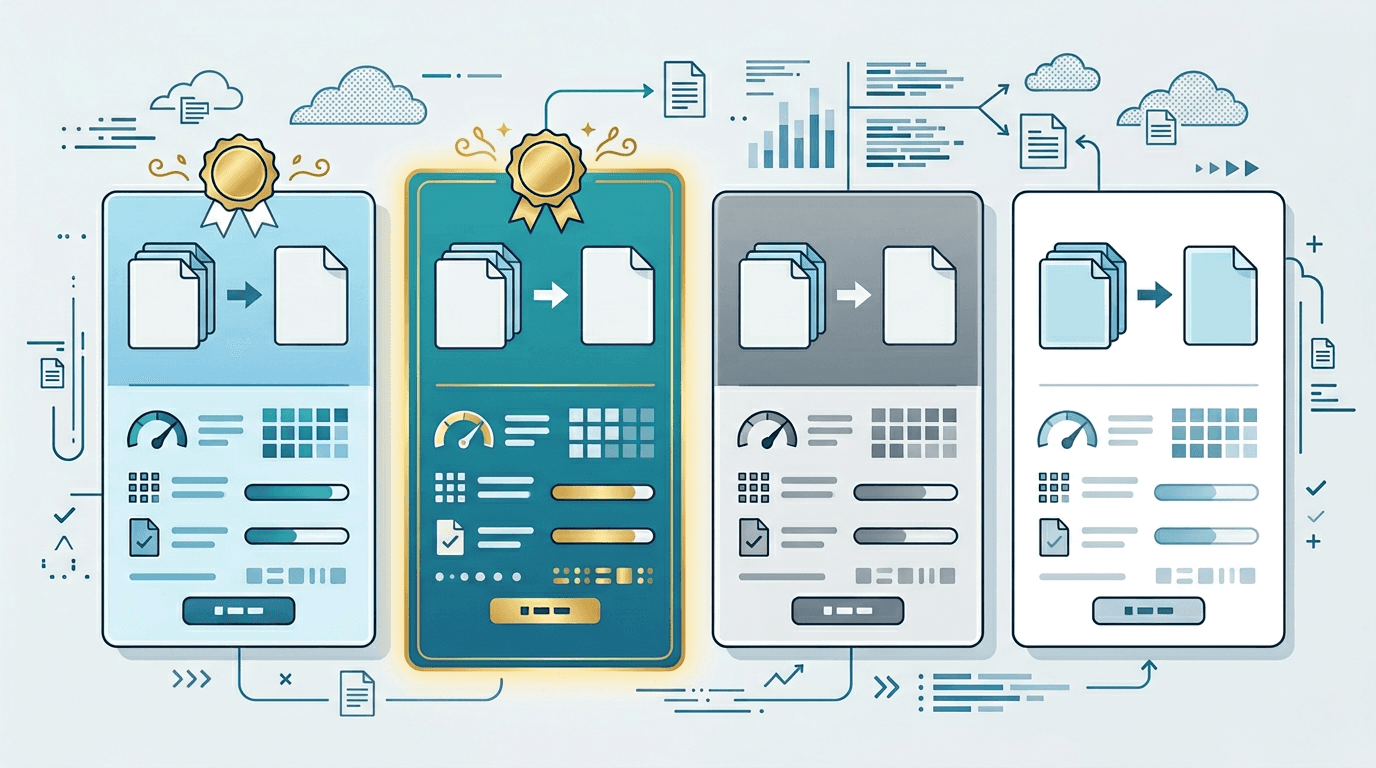
Looking for the best free HEIC to JPG converter? With so many options available, choosing the right tool can be overwhelming. This comprehensive comparison helps you find the perfect HEIC converter for your needs—whether you're converting a single photo or thousands of iPhone images.
What Makes a Good HEIC to JPG Converter?
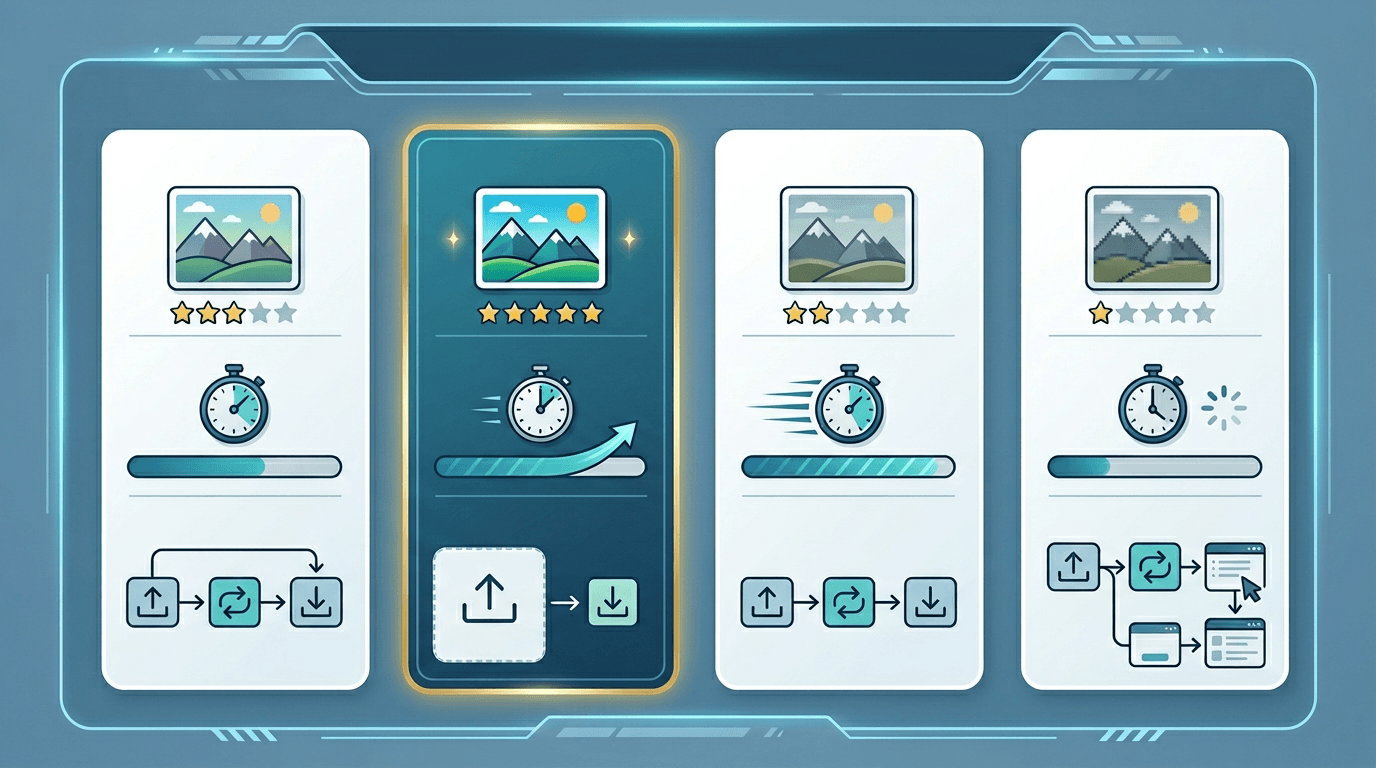
Before diving into our comparison, let's establish what features matter most:
- No watermarks - Your converted images should be clean
- No signup required - Quick access without creating accounts
- Quality preservation - Minimal loss during conversion
- Batch support - Convert multiple files at once
- Privacy - Your photos should stay private
- Speed - Fast conversion without long waits
Top Free HEIC to JPG Converters Compared
1. ImgConvert (Recommended)
Our HEIC to JPG converter offers the best balance of features, privacy, and ease of use.
Pros:
- ✅ 100% free with no watermarks
- ✅ No signup or email required
- ✅ Browser-based processing (files never uploaded)
- ✅ Adjustable quality settings
- ✅ Batch conversion support
- ✅ Works on any device
Cons:
- ⚠️ Requires modern browser
Best for: Users who prioritize privacy and quality control
2. CloudConvert
A well-known file conversion service with HEIC support.
Pros:
- ✅ Supports many formats
- ✅ API available
- ✅ Good quality output
Cons:
- ⚠️ Daily conversion limits on free tier
- ⚠️ Files uploaded to cloud servers
- ⚠️ Slower than browser-based tools
Best for: Users who need multiple format conversions
3. Convertio
Popular online converter with HEIC to JPG support.
Pros:
- ✅ Simple interface
- ✅ Multiple format options
- ✅ Batch support
Cons:
- ⚠️ 100MB file size limit (free)
- ⚠️ Limited daily conversions
- ⚠️ Files uploaded to servers
Best for: Occasional conversions with small files
4. FreeConvert
Another cloud-based conversion service.
Pros:
- ✅ No signup for basic use
- ✅ Decent quality
Cons:
- ⚠️ Ads on free version
- ⚠️ Upload required
- ⚠️ Processing can be slow
Best for: Users who don't mind ads
5. HEIC to JPEG (iOS App)
Native app solution for iPhone users.
Pros:
- ✅ Works offline
- ✅ Quick for iPhone users
Cons:
- ⚠️ iOS only
- ⚠️ Limited features
- ⚠️ No batch support in free version
Best for: iPhone users who want on-device conversion
Feature Comparison Table
| Feature | ImgConvert | CloudConvert | Convertio | FreeConvert |
|---|---|---|---|---|
| Price | Free | Freemium | Freemium | Freemium |
| Watermarks | No | No | No | No |
| Signup Required | No | Yes (for more) | Yes (for more) | No |
| Batch Support | Yes | Yes | Yes | Yes |
| Quality Control | Yes | Yes | Limited | Limited |
| Privacy (Local Processing) | Yes | No | No | No |
| Daily Limit | None | 25/day | 10/day | 25/day |
| Max File Size | 50MB | 1GB (paid) | 100MB | 1GB (paid) |
Privacy Comparison: Why It Matters
When converting personal photos, privacy is crucial. Here's how different converters handle your data:
Browser-Based Processing (Most Private)
Tools like ImgConvert process files entirely in your browser:
- Files never leave your device
- No server uploads
- No data retention concerns
- Works offline once loaded
Cloud-Based Processing
Most other converters upload your files:
- Files sent to remote servers
- Usually deleted after 24 hours
- Privacy policy dependent
- Requires internet connection
Recommendation: For personal photos, always choose a browser-based converter like our HEIC to JPG tool.
Quality Comparison Test
We converted the same HEIC photo using each tool at maximum quality:
| Converter | Output Size | Visual Quality | Metadata Preserved |
|---|---|---|---|
| ImgConvert | 2.1MB | Excellent | Yes |
| CloudConvert | 2.3MB | Excellent | Yes |
| Convertio | 2.0MB | Good | Partial |
| FreeConvert | 1.9MB | Good | No |
Verdict: ImgConvert and CloudConvert tied for best quality, but ImgConvert wins on privacy.
Speed Comparison
Conversion time for a 5MB HEIC file:
| Converter | Time | Notes |
|---|---|---|
| ImgConvert | 2-3 sec | Local processing |
| CloudConvert | 8-12 sec | Upload + processing |
| Convertio | 10-15 sec | Upload + processing |
| FreeConvert | 15-20 sec | Upload + queue |
Winner: Browser-based tools are significantly faster because there's no upload time.
Best Converter by Use Case
For Privacy-Conscious Users
Winner: ImgConvert
- Files processed locally
- No account needed
- No data collection
For Batch Conversion
Winner: ImgConvert
- Unlimited conversions
- No daily limits
- Fast processing
For Occasional Use
Winner: Any free option
- If you only convert a few files occasionally, most tools work fine
For Professional Use
Winner: CloudConvert or ImgConvert
- CloudConvert offers API access
- ImgConvert offers unlimited free conversions
How to Choose the Right Converter
Ask yourself these questions:
-
How many files do you need to convert?
- Few files: Any converter works
- Many files: Choose one without daily limits
-
How important is privacy?
- Very important: Use ImgConvert (local processing)
- Not concerned: Cloud options are fine
-
Do you need specific quality settings?
- Yes: Choose ImgConvert or CloudConvert
- No: Basic converters work
-
Are you on mobile or desktop?
- Mobile: Browser-based tools work best
- Desktop: Any option works
Our Recommendation
After extensive testing, we recommend ImgConvert's HEIC to JPG converter as the best free option because:
- True privacy - Your photos never leave your device
- No limits - Convert as many files as you need
- Quality control - Adjust output quality to your needs
- No signup - Start converting immediately
- Fast - Browser-based processing is lightning quick
Frequently Asked Questions
Are free HEIC converters safe?
Browser-based converters like ImgConvert are safe because files never leave your device. Cloud-based converters are generally safe but involve uploading your photos.
Do free converters add watermarks?
Quality converters like ImgConvert never add watermarks. Always check before converting important photos.
What's the best quality setting?
For most uses, 85-90% quality provides excellent results with reasonable file sizes. Use 95-100% for printing.
Can I convert HEIC to other formats?
Yes! Besides JPG, you can convert HEIC to PNG for transparency or WebP for web optimization.
Conclusion
While many free HEIC to JPG converters exist, ImgConvert stands out for its combination of privacy, quality, and unlimited free conversions. For anyone converting iPhone photos, it's the clear winner.
Related tools: HEIC to PNG | HEIC to WebP | Image Compressor | Image Resizer