
AVIF Compression Advantages - Why It's the Most Efficient Image Format
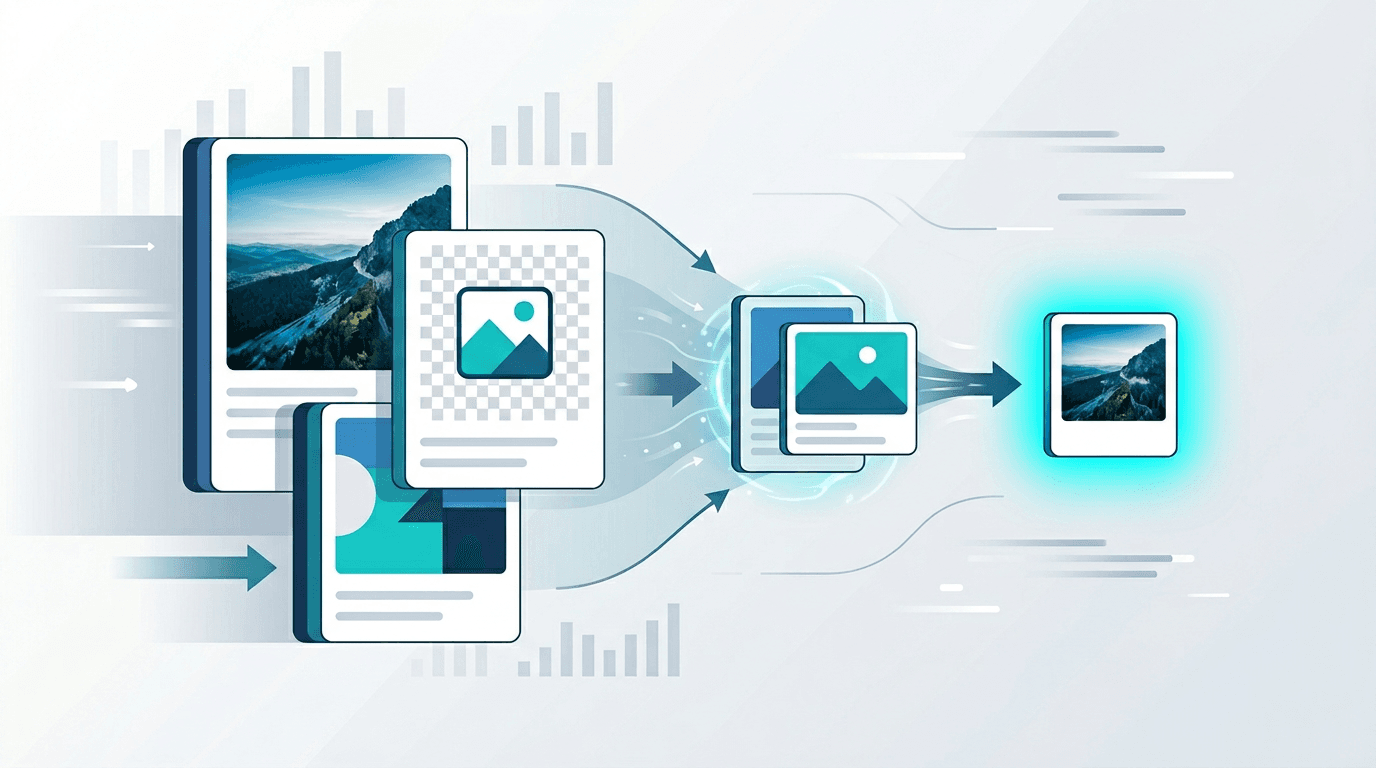
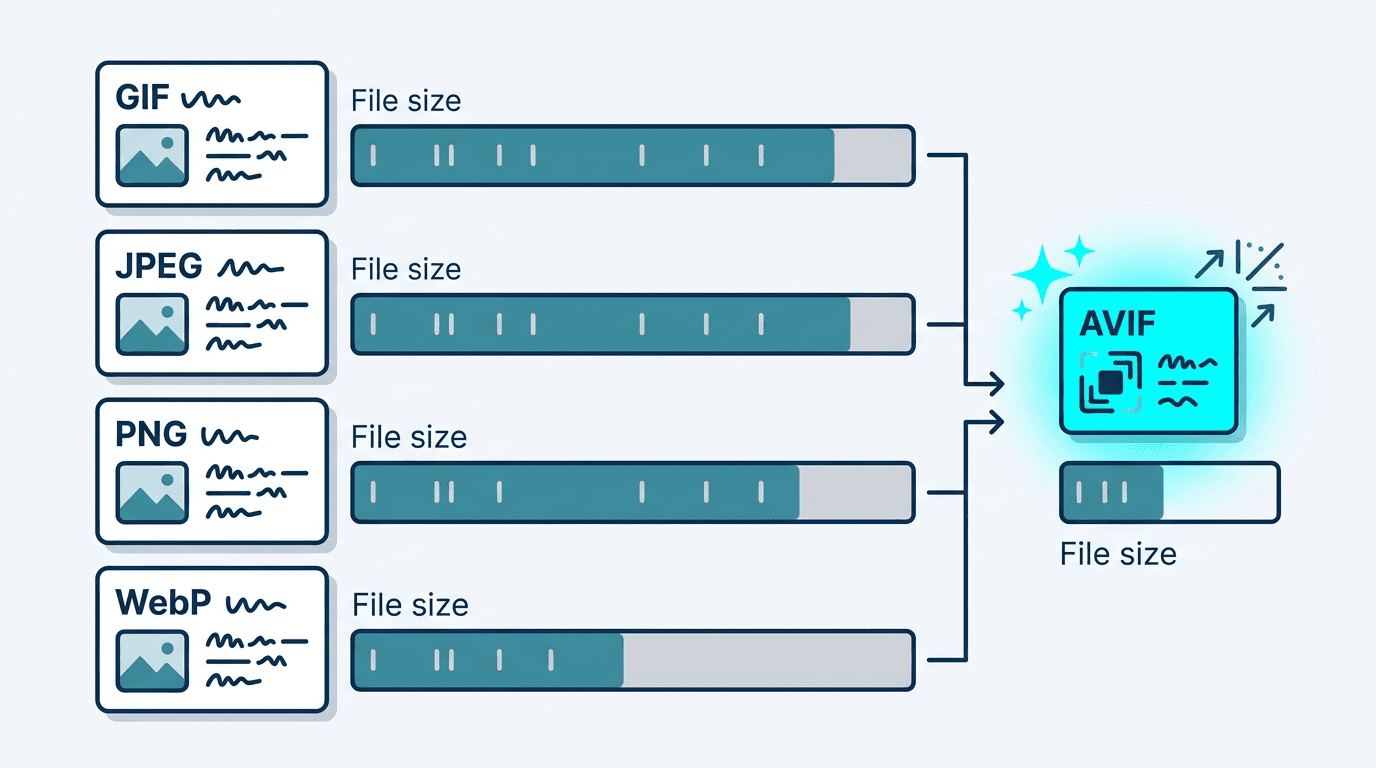
Image compression directly impacts how fast your website loads — and AVIF has redefined what's possible. Built on the AV1 video codec, AVIF can reduce image file sizes by 50% compared to WebP and up to 90% compared to PNG, while maintaining visual quality that rivals the originals. Understanding how AVIF compression works helps you get the most out of this remarkable format.
How AVIF Compression Works
AVIF's compression superiority comes from applying video codec technology to still images. While JPEG was designed in 1992 with then-available computing power in mind, AVIF uses algorithms developed for modern hardware:
Core Compression Technologies
AV1 Codec Engine AVIF leverages AV1, the most advanced royalty-free video codec available. AV1 was designed to outperform its predecessors (VP9, H.264) by 30-50% at equivalent quality — and AVIF inherits all of this advantage.
Block-Based Transform Coding AV1 divides images into variable-size blocks (4×4 to 128×128 pixels) and applies mathematical transforms to each block. This adapts encoding to local content complexity — sharp edges get precise encoding, smooth areas get aggressive compression.
In-Loop Filtering After compression, AVIF applies several filtering passes to reduce artifacts. The deblocking filter smooths block boundaries, the CDEF (Constrained Directional Enhancement Filter) sharpens edges, and the Loop Restoration filter recovers fine detail.
Adaptive Quantization Rather than applying uniform compression across the image, AVIF allocates more bits to perceptually important regions (faces, sharp textures) and fewer bits to less important areas (smooth backgrounds, uniform colors). This "smart" compression maintains perceived quality at smaller file sizes.
Compression Performance: Real-World Numbers
Direct Format Comparison
Same source image, same perceived visual quality:
| Format | File Size | Quality | Reduction vs. PNG |
|---|---|---|---|
| PNG | 2.5 MB | Perfect | baseline |
| JPEG (Q80) | 400 KB | Good | 84% |
| WebP (Q80) | 200 KB | Very Good | 92% |
| AVIF (Q65) | 100 KB | Excellent | 96% |
AVIF achieves excellent quality at 96% smaller than PNG and 50% smaller than WebP.
Low-Bitrate Quality Comparison
Where AVIF truly excels is at high compression ratios. At file sizes that make JPEG unacceptable:
| Format | 50KB target | Visual Quality |
|---|---|---|
| JPEG | 50KB | Obvious blocking artifacts |
| WebP | 50KB | Noticeable artifacts |
| AVIF | 50KB | Clean, minimal artifacts |
AVIF's advanced in-loop filtering and adaptive quantization make it dramatically better at extreme compression than older formats.
Compression Modes
Lossy Compression
The default mode for most use cases:
- Quality range: 0-100 (higher = better quality, larger file)
- Sweet spot: 55-75 for web images
- Excellent quality retention across all content types
- Dramatic size reduction compared to JPEG and WebP
Lossless Compression
For images that must be pixel-perfect:
- Perfect quality — mathematically identical to source
- Still 20-40% smaller than PNG lossless
- Best for: Illustrations with text, logos, screenshots
- Not recommended for: Photos (lossy AVIF looks better at same size)
AVIF Quality vs. File Size Sweet Spots
| Quality Setting | File Size | Visual Quality | Best For |
|---|---|---|---|
| 85+ | Larger | Near-perfect | Archival, print |
| 70-80 | Medium | Excellent | High-quality web |
| 55-65 | Small | Very good | Standard web |
| 40-50 | Very small | Good | Thumbnails, previews |
| Below 40 | Tiny | Acceptable | Very low bandwidth |
The remarkable fact: AVIF at quality 50 typically looks better than JPEG at quality 80 — at less than half the file size.
AVIF Excels for These Content Types
Photography
AVIF provides exceptional results for photos:
- 60-70% smaller than JPEG at equivalent quality
- Better color accuracy — especially in skin tones and natural scenes
- Reduced banding in skies, sunsets, and smooth gradients
- Superior shadow and highlight detail retention
For a travel website with 100 high-quality photos at 500KB each (JPEG), switching to AVIF would reduce the total from 50MB to approximately 15-20MB — a dramatic improvement in page load speed.
Illustrations and Graphics
Complex digital artwork benefits significantly:
- Better than SVG for complex rasterized art at fixed dimensions
- Preserves sharp edges and fine details better than JPEG
- Full transparency support with 8-bit Alpha channel
- Use our SVG to AVIF converter for rasterized illustrations
E-commerce Product Images
Product photos are often the most numerous images on a site:
- Faster page loads — Each second of delay costs conversion rates
- Better quality — More accurate colors improve purchase confidence
- Lower CDN costs — Substantial savings at scale
- Especially valuable for high-density (2× Retina) images
Website Performance
The cumulative effect of AVIF on Core Web Vitals:
- Largest Contentful Paint (LCP): Images are often the LCP element; AVIF makes them load faster
- Total Blocking Time: Reduced through smaller, faster image decoding
- Cumulative Layout Shift: Prevent with proper width/height attributes
Technical Advantages Beyond Compression
Color Depth Support
AVIF supports color depths that JPEG and older formats cannot:
| Color Depth | AVIF | JPEG | PNG | WebP |
|---|---|---|---|---|
| 8-bit | ✅ | ✅ | ✅ | ✅ |
| 10-bit | ✅ | ❌ | ❌ | ❌ |
| 12-bit | ✅ | ❌ | ❌ | ❌ |
| HDR | ✅ | ❌ | ❌ | ❌ |
| Wide gamut (P3) | ✅ | ❌ | ❌ | ❌ |
10-bit color means 1,024 shades per channel vs. 256 for 8-bit, enabling smooth gradients and accurate HDR reproduction.
Transparency
AVIF handles transparency better than any alternative:
- Full 8-bit Alpha channel — 256 levels of transparency
- Compressed Alpha — Transparency layer benefits from AV1 compression
- Better than PNG — Same visual quality at dramatically smaller file size
- Perfect for overlays, logos, and UI elements that need transparent backgrounds
Animation Support
As covered in our AVIF animation guide, animated AVIF:
- Is 80-90% smaller than GIF for equivalent animation
- Supports full color range (no 256-color limitation)
- Handles smooth transparency in animation frames
Browser Support for AVIF
| Browser | Version | Support |
|---|---|---|
| Chrome | 85+ | Full |
| Firefox | 93+ | Full |
| Safari | 16+ | Full |
| Edge | 91+ | Full |
| Samsung Internet | 14+ | Full |
| iOS Safari | 16+ | Full |
Global support: ~93% of web users
The ~7% without support are primarily older Safari users. The <picture> element handles them automatically with WebP or JPEG fallbacks.
Implementation Strategy
Progressive Enhancement (Recommended)
<picture>
  <source srcset="image.avif" type="image/avif">
  <source srcset="image.webp" type="image/webp">
  <img src="image.jpg" alt="Description" loading="lazy" width="800" height="600">
</picture>
Automated Build Pipeline
For large-scale image optimization:
// Example: Process all images in a directory
const avif = require('sharp');

async function convertToAvif(inputPath) {
  await sharp(inputPath)
    .avif({ quality: 65, effort: 6 })
    .toFile(inputPath.replace(/\.(jpg|jpeg|png|webp)$/i, '.avif'));
}
CDN-Based Automatic Conversion
Major CDN providers now support automatic AVIF conversion:
- Cloudflare Images: Automatic format negotiation
- Imgix: On-demand AVIF conversion
- Cloudinary: Automatic format selection with
f_auto
Performance Impact at Scale
50-Image Website Example
| Format | Total Size | Load Time | vs. JPEG |
|---|---|---|---|
| JPEG | 8 MB | 4.2s | baseline |
| WebP | 3.2 MB | 1.8s | 57% faster |
| AVIF | 1.6 MB | 1.0s | 76% faster |
AVIF cuts load time in half compared to WebP and reduces it by 76% compared to JPEG.
Bandwidth Cost Savings
For a site receiving 1 million page views per month with 20 images per page:
| Format | Monthly Bandwidth | Monthly CDN Cost |
|---|---|---|
| JPEG (500KB avg) | 10 TB | ~$700 |
| WebP (200KB avg) | 4 TB | ~$280 |
| AVIF (100KB avg) | 2 TB | ~$140 |
Switching from JPEG to AVIF saves approximately 80% on bandwidth costs.
Encoding Considerations
Speed vs. Quality Tradeoff
AVIF encoding is slower than alternatives — this is the main practical challenge:
- 5-10× slower than JPEG encoding
- 2-3× slower than WebP encoding
- The solution: Always pre-encode AVIF files during build time, never encode on-demand
Effort Levels (0-9)
Most AVIF encoders (libavif, ffmpeg) support an "effort" or "speed" parameter:
| Effort Level | Encoding Speed | Quality | When to Use |
|---|---|---|---|
| 0-2 | Fast | Lower | Development/preview |
| 3-5 | Medium | Good | General production |
| 6-8 | Slow | Better | Important images |
| 9 | Slowest | Best | Critical assets |
For production assets, effort 6 provides the best balance of encoding time and compression efficiency.
Common AVIF Pitfalls and Solutions
Pitfall 1: Over-Compression
Symptoms: Visible blockiness, color banding, loss of fine detail
Solution: For most web images, quality 55-70 is the right range. If you see artifacts, increase quality by 5-10 points.
Pitfall 2: Color Space Mismatch
Problem: Colors appear shifted or different between AVIF and original
Solution: Ensure your encoder uses sRGB for web output. When converting from camera RAW or wide-gamut sources, explicitly specify sRGB as the target color space.
Pitfall 3: Missing Fallbacks
Problem: Blank images in older browsers (7% of users)
Solution: Always implement the <picture> element with WebP and JPEG/PNG fallbacks. Never serve only AVIF.
AVIF vs. Alternatives
AVIF vs. WebP
| Aspect | AVIF | WebP |
|---|---|---|
| Compression | Better | Good |
| Encoding speed | Slower | Faster |
| Browser support | 93% | 97% |
| Quality at low bitrates | Better | Good |
| HDR support | Yes | No |
Conclusion: Use AVIF when pre-generating static assets. Use WebP when you need faster on-the-fly encoding.
AVIF vs. JPEG XL
| Aspect | AVIF | JPEG XL |
|---|---|---|
| Browser support | 93% | Very limited |
| Compression | Excellent | Excellent |
| Features | Complete | More (e.g., lossless JPEG transcoding) |
| Production readiness | Yes | Limited |
AVIF is the practical choice for 2026 production use. JPEG XL is technically impressive but lacks browser support.
Frequently Asked Questions
How much smaller is AVIF than JPEG?
AVIF is typically 50-70% smaller than JPEG at equivalent visual quality. For the same file size, AVIF looks significantly better than JPEG.
Is AVIF ready for production use?
Yes, with 93%+ browser support and proper fallbacks, AVIF is fully production-ready. It's used by Netflix, Google Photos, Apple, and many other major platforms.
Why is AVIF encoding slow?
The AV1 codec prioritizes compression efficiency over encoding speed. This is the right tradeoff for static assets — you encode once, serve millions of times. Always pre-generate AVIF files in your build pipeline.
Should I convert all my images to AVIF?
For static web images (photos, illustrations, product images), yes. For user-uploaded content where you need real-time processing, WebP may be more practical due to faster encoding.
Does AVIF work on mobile?
Yes. All modern mobile browsers support AVIF, including iOS Safari 16+ and Android Chrome. Mobile users benefit most since they're often on slower connections.
Summary
AVIF compression represents the most significant advancement in image format technology since WebP. The combination of AV1's superior algorithms, in-loop filtering, adaptive quantization, and broad color space support produces files that are:
- Dramatically smaller than any previous format
- Equal or better quality at a fraction of the file size
- Ready for production with 93%+ browser coverage
- Future-proof — open standard, royalty-free, industry-backed
Use our SVG to AVIF converter or upload any image format to start benefiting from AVIF compression today.
Related tools: Image Compressor | WebP Converter | Image Optimizer