
AVIF Animation - The Future of Web Animation Explained
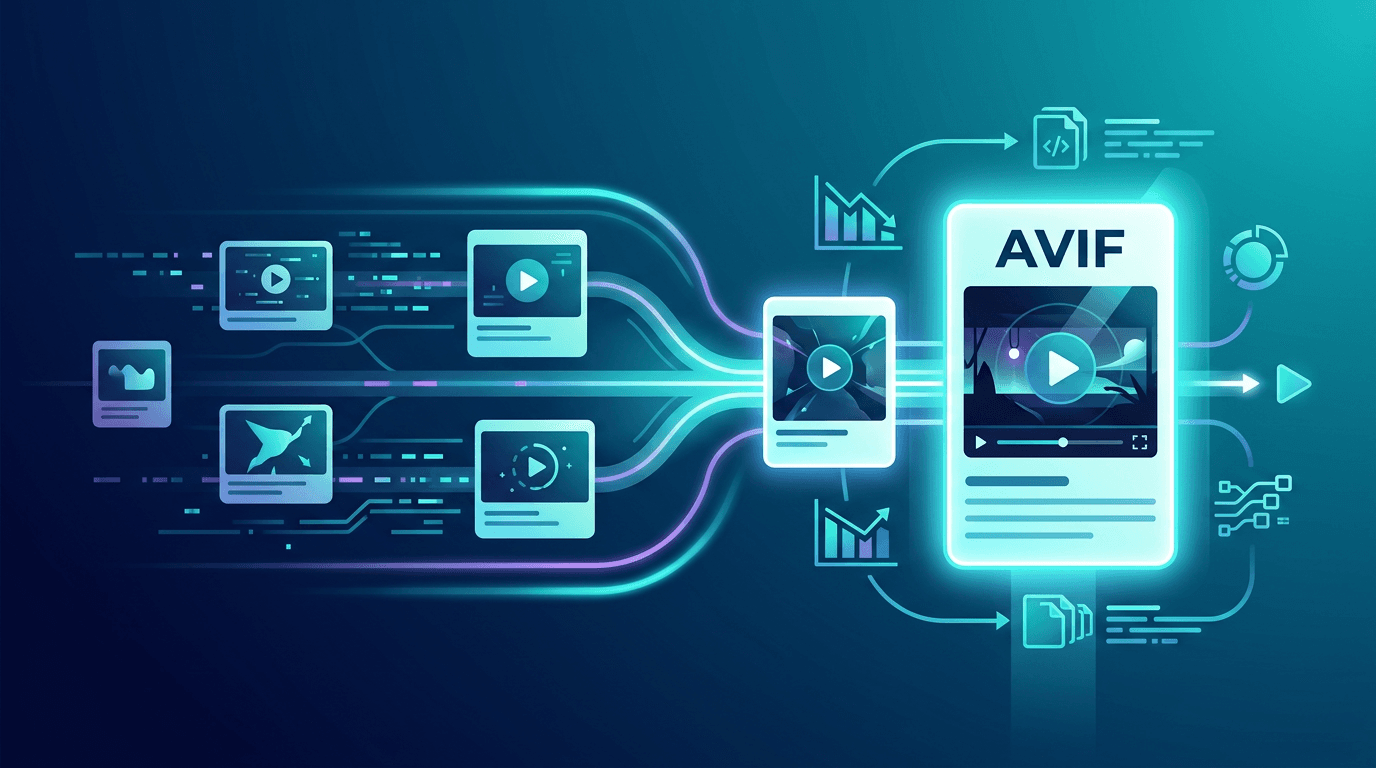
Web animation has long been dominated by GIF — a format from 1989 that was never designed for the modern web. With GIF files routinely reaching 5-20MB for a few seconds of animation, they've become one of the biggest performance liabilities on modern websites. AVIF animation changes everything, delivering the same visual content at a fraction of the size while dramatically improving quality.
What Is AVIF Animation?
AVIF (AV1 Image File Format) is a modern image format built on the AV1 video codec, developed by the Alliance for Open Media. While AV1 was created for video streaming, the Alliance extended it to support both still images and animation sequences — creating a format that combines AV1's extraordinary compression with still-image features like transparency and HDR.
The Alliance for Open Media includes major tech companies: Google, Apple, Microsoft, Mozilla, Netflix, Amazon, and others. This industry-wide backing means AVIF has the development resources and corporate commitment to become a stable, long-term standard.
Why AVIF Represents the Future of Web Animation
1. Extraordinary Compression Efficiency
AVIF's compression advantage over older formats is dramatic:
| Format | Typical File Size | vs. GIF |
|---|---|---|
| GIF | 100% baseline | — |
| WebP animation | 25-30% of GIF | 70-75% smaller |
| AVIF animation | 10-20% of GIF | 80-90% smaller |
A 10MB animated GIF often converts to under 1MB as AVIF — with equal or better visual quality. For websites with multiple animations, this translates directly to faster load times, lower bandwidth costs, and better Core Web Vitals scores.
2. Exceptional Image Quality
GIF's 256-color palette limitation creates visible banding on gradients and dithering artifacts on photographic content. AVIF eliminates these entirely:
- 10-bit and 12-bit color depth (vs. GIF's 8-bit)
- Full HDR support for vivid, accurate colors
- Smooth gradients without banding or dithering
- Excellent detail preservation even at high compression ratios
- 8-bit Alpha channel for smooth transparency (vs. GIF's binary on/off)
3. Long-Term Industry Commitment
Unlike formats controlled by a single company, AVIF is:
- Royalty-free — No licensing fees for implementers or users
- Open standard — Developed through an open consortium process
- Broadly backed — Supported by all major browser vendors
4. Growing Real-World Adoption
AVIF is already being used at scale:
- Netflix uses AVIF for promotional imagery
- Google recommends AVIF for Core Web Vitals optimization
- Apple expanded Safari support in macOS Ventura and iOS 16
- CDN providers are adding automatic AVIF conversion capabilities
AVIF Animation Technical Features
Color Capabilities vs. Competing Formats
| Feature | GIF | WebP | AVIF |
|---|---|---|---|
| Color depth | 8-bit (256 colors) | 8-bit | 10/12-bit |
| HDR support | No | No | Yes |
| Wide color gamut | No | No | Yes (P3, Rec. 2020) |
| Transparency | Binary on/off | 8-bit Alpha | 8-bit Alpha |
| Smooth gradients | No | Yes | Yes |
Compression Technology
AVIF achieves its compression through several advanced techniques:
- Intra-frame compression — Efficient encoding of individual frames
- Inter-frame compression — Removes redundant data between similar frames (similar to video P-frames)
- Variable block sizes — Adapts encoding block size to content complexity
- In-loop filtering — Reduces compression artifacts within frames
- Adaptive quantization — Allocates more bits to complex regions, fewer to simple ones
Browser Support Timeline and Current Status
AVIF animation support has expanded rapidly:
| Year | Milestone |
|---|---|
| 2020 | Chrome 85 — Static AVIF images |
| 2021 | Chrome 93 — Animated AVIF sequences |
| 2021 | Firefox 93 — Full AVIF support including animation |
| 2023 | Safari 16.4 — Full support including animation |
| 2024 | Edge 121 — Full support |
Current browser coverage: ~93% of global web users can view AVIF animations.
The Remaining 7%
The ~7% without support are primarily:
- Older Safari versions (pre-16.4)
- Very old Chrome versions (pre-93)
- Niche browsers
The progressive enhancement approach with <picture> elements handles this gracefully — users on unsupported browsers see the WebP or GIF fallback seamlessly.
Converting Your Animations to AVIF
From GIF to AVIF
Our GIF to AVIF converter makes conversion straightforward:
- Upload your animated GIF
- Select quality settings (50-70 recommended for most animations)
- Download the optimized AVIF file
Quality Settings Guide
Different content types benefit from different quality settings:
| Content Type | Recommended Quality | Expected Size Reduction |
|---|---|---|
| Simple graphics/icons | 40-50 | 85-92% |
| UI animations | 50-60 | 82-88% |
| Photo-based content | 55-65 | 78-85% |
| Quality-critical | 65-75 | 72-80% |
What to Expect from Conversion
| Source | AVIF Size | Size Reduction |
|---|---|---|
| 10MB GIF | ~0.8-2MB | 80-92% |
| 5MB GIF | ~0.4-1MB | 80-92% |
| 2MB GIF | ~0.16-0.4MB | 80-92% |
| 500KB WebP | ~300-400KB | 20-40% |
Implementing AVIF Animation on Your Website
Recommended: Progressive Enhancement with <picture>
<picture>
  <!-- AVIF for modern browsers (93% of users) -->
  <source srcset="animation.avif" type="image/avif">
  <!-- WebP fallback for older browsers -->
  <source srcset="animation.webp" type="image/webp">
  <!-- GIF fallback for ancient browsers -->
  <img src="animation.gif" alt="Animated content description" loading="lazy">
</picture>
This ensures every user sees the best format their browser supports, with AVIF being served to the vast majority.
Lazy Loading for Performance
<picture>
  <source srcset="animation.avif" type="image/avif">
  <source srcset="animation.webp" type="image/webp">
  <img src="animation.gif" alt="Description" loading="lazy" width="800" height="600">
</picture>
Always include width and height attributes to prevent layout shift (important for Core Web Vitals).
Preloading Critical Animations
For above-the-fold animations that should load immediately:
<link rel="preload" as="image" href="hero-animation.avif" type="image/avif">
CSS Background Animations
.animated-bg {
  background-image: url('animation.gif'); /* Fallback */
}

@supports (background-image: url('test.avif')) {
  .animated-bg {
    background-image: url('animation.avif');
  }
}
Real-World Performance Impact
Example: E-commerce Product Gallery
A product showcase page with 20 animated demonstrations:
| Format | Total Payload | Page Load Time |
|---|---|---|
| GIF (baseline) | 40MB | 18+ seconds |
| WebP animation | 12MB | 6 seconds |
| AVIF animation | 5MB | 2.5 seconds |
Result: 87% bandwidth reduction, 7× faster loading vs. GIF.
Key Performance Metrics
Converting to AVIF animation typically delivers:
| Metric | Improvement |
|---|---|
| Page load time | 50-70% faster |
| Bandwidth usage | 80-90% reduction |
| LCP (Largest Contentful Paint) | Significant improvement |
| Mobile experience | Dramatically better |
| Server/CDN costs | Substantial reduction |
AVIF vs. Other Next-Gen Formats
AVIF vs. WebP Animation
| Aspect | AVIF | WebP |
|---|---|---|
| Compression | Superior | Good |
| Encoding speed | Slower | Faster |
| Browser support | ~93% | ~97% |
| HDR support | Yes | No |
| Quality at low bitrates | Better | Good |
| Maturity | Production-ready | Mature |
When to choose WebP: When you need broader compatibility and faster encoding. WebP still makes sense for high-volume dynamic image processing.
When to choose AVIF: For pre-generated animations where maximum compression matters. The encoding time cost is worth it for static assets.
AVIF vs. JPEG XL
| Aspect | AVIF | JPEG XL |
|---|---|---|
| Compression | Excellent | Excellent |
| Browser support | ~93% | Very limited |
| Animation | Full support | Full support |
| Industry adoption | High | Growing |
AVIF has significantly better browser support today, making it the practical choice for production use. JPEG XL may become more relevant as browser support grows.
Challenges and Solutions
Challenge 1: Slow Encoding
Problem: AVIF encoding is computationally intensive — 5-10× slower than JPEG, 2-3× slower than WebP.
Solutions:
- Pre-encode all animations during your build process
- Use faster encoder presets for development iteration
- Cache converted files — encode once, serve many times
- Consider CDN-based automatic conversion for dynamic content
Challenge 2: Tooling Gaps
Problem: Not all image editors support AVIF export directly.
Solutions:
- Use dedicated conversion tools like our GIF to AVIF converter
- Integrate command-line tools (avifenc, ffmpeg) into your build pipeline
- Use online services for one-off conversions
Challenge 3: The 7% Compatibility Gap
Problem: ~7% of users cannot view AVIF.
Solution: The <picture> element handles this automatically. Use AVIF → WebP → GIF fallback chain. Users with older browsers never see a broken experience — they just see the next best option.
Getting Started with AVIF Animation
For New Projects
Build AVIF-first from the start:
- Design animations with AVIF as the primary delivery format
- Generate WebP and GIF fallbacks from the same source
- Implement the
<picture>progressive enhancement pattern - Monitor Core Web Vitals to verify improvements
For Existing Projects
Migrate existing animations strategically:
- Audit your animations — Identify all animated GIFs and WebP files
- Prioritize by impact — Convert largest, most-loaded files first
- Convert in batches using our GIF to AVIF converter
- Implement fallbacks for each converted file
- Measure improvements using PageSpeed Insights or WebPageTest
Frequently Asked Questions
Is AVIF safe for production use?
Yes. With ~93% browser support and automatic fallbacks through <picture>, AVIF is absolutely production-ready. Major companies including Netflix, Google, and Shopify use it in production.
Will AVIF replace WebP?
For animations and complex images, AVIF will likely become the preferred format over time due to better compression. However, WebP remains relevant for dynamic image processing scenarios where encoding speed matters.
How do I create AVIF animations?
The easiest way is to convert existing animated GIFs using our GIF to AVIF converter. For new animations, specialized software (GIMP with plugins, ffmpeg) can export directly to AVIF.
Is AVIF truly royalty-free?
Yes. AVIF is built on AV1, which the Alliance for Open Media designed to be royalty-free from the ground up. There are no licensing fees to use or implement AVIF.
When will AVIF have universal support?
AVIF already reaches ~93% of users. Universal support depends on older browsers being retired. Most estimates suggest near-universal coverage (>99%) within 2-3 years as Chrome, Firefox, and Safari older versions age out.
Does AVIF work on mobile?
Yes. All modern mobile browsers — including Mobile Chrome, Safari on iOS 16+, Firefox for Android, and Samsung Internet — support AVIF. This is significant since mobile users are often on slower connections and benefit most from smaller file sizes.
Summary
AVIF animation represents a genuine leap forward for web performance. It delivers:
- 80-90% smaller files compared to GIF
- Superior visual quality — true color, smooth gradients, HDR
- Excellent browser support — 93% coverage today
- Royalty-free — no licensing concerns
- Industry-backed — Google, Apple, Netflix, and more
The practical path forward is clear: use AVIF as your primary animation format with <picture> fallbacks for the small minority of unsupported browsers.
Start your conversion today with our free GIF to AVIF converter.
Related tools: GIF to AVIF | GIF to WebP | Image Optimizer